 lightGallery
RTL gallery
lightGallery supports right-to-left reading direction. Keyboard arrows, swipe advance, and the slide and thumbnail transforms follow the gallery direction, and the optional lg-rtl.css layer mirrors the controls. The direction can be forced or inherited from the page. Read more in the localization & RTL guide.
direction: ‘auto’, the gallery below inherits its direction from
the dir=“rtl” attribute on the gallery element. You can also
force it with direction: ‘rtl’ regardless of the markup.
Demo
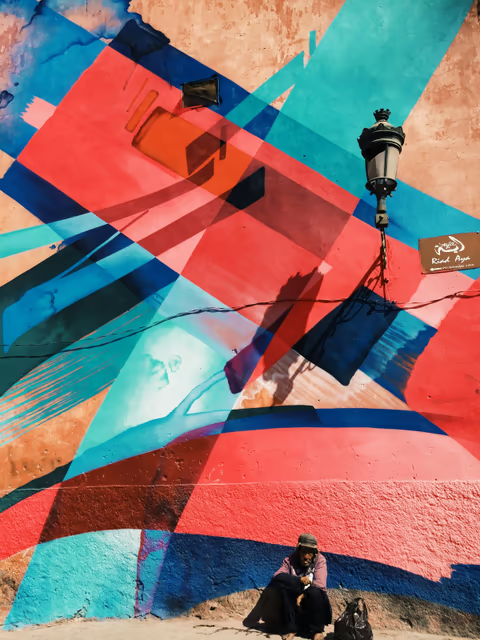
The trigger grid below is an Arabic-captioned gallery. Open it and note that the previous/next controls are mirrored and the left/right arrow keys and swipe gestures advance in reading order.


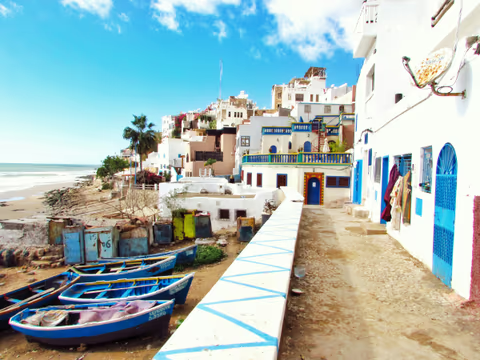
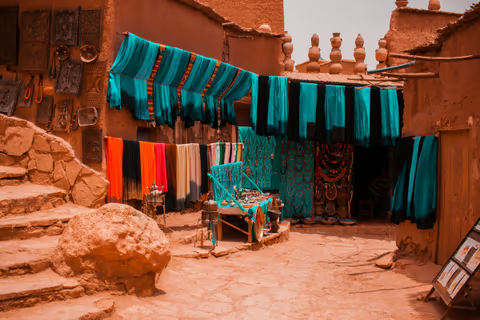
HTML
<div id="gallery-rtl-demo" dir="rtl">
    <a data-lg-size="1600-1067" data-src="img/img1.jpg"
        data-sub-html="<h4>طبقات من الأزرق</h4>">
        <img src="img/thumb1.jpg" />
    </a>
    <!-- more items -->
</div>
JavaScript
import lightGallery from 'lightgallery';

// The RTL chrome mirroring is an opt-in css layer.
// Include it whenever the direction resolves to rtl.
// import 'lightgallery/css/lg-rtl.css';

lightGallery(document.getElementById('gallery-rtl-demo'), {
    // 'auto' inherits the computed direction of the gallery
    // element, dir="rtl" in the markup above.
    // Use 'rtl' to force it regardless of the markup.
    direction: 'auto',
});
import { LightGallery, LightGalleryItem } from '@lightgallery/react';
import 'lightgallery/css/lightgallery.css';
// Mirrors the gallery controls in a right-to-left gallery.
import 'lightgallery/css/lg-rtl.css';
const items = [
{
src: 'img/img1.jpg',
thumb: 'img/thumb1.jpg',
alt: 'طبقات من الأزرق',
captionHtml: '<h4>طبقات من الأزرق</h4>',
lgSize: '1600-1067',
},
{
src: 'img/img2.jpg',
thumb: 'img/thumb2.jpg',
alt: 'قصبة في الواحة',
captionHtml: '<h4>قصبة في الواحة</h4>',
lgSize: '1600-1067',
},
];
// 'auto' inherits the direction from the nearest dir attribute;
// 'rtl' forces it regardless of the markup.
<LightGallery direction="auto">
{/* dir="rtl" mirrors the grid on the page. */}
<div dir="rtl">
{items.map((item) => (
<LightGalleryItem key={item.src} item={item}>
<img src={item.thumb} alt={item.alt} />
</LightGalleryItem>
))}
</div>
</LightGallery>;<script setup>
import { LightGallery, LgItem } from '@lightgallery/vue';
import 'lightgallery/css/lightgallery.css';
// Mirrors the gallery controls in a right-to-left gallery.
import 'lightgallery/css/lg-rtl.css';
const items = [
{
src: 'img/img1.jpg',
thumb: 'img/thumb1.jpg',
alt: 'طبقات من الأزرق',
captionHtml: '<h4>طبقات من الأزرق</h4>',
lgSize: '1600-1067',
},
{
src: 'img/img2.jpg',
thumb: 'img/thumb2.jpg',
alt: 'قصبة في الواحة',
captionHtml: '<h4>قصبة في الواحة</h4>',
lgSize: '1600-1067',
},
];
</script>
<template>
<!-- 'auto' inherits the direction from the nearest dir attribute;
'rtl' forces it regardless of the markup. -->
<LightGallery direction="auto">
<!-- dir="rtl" mirrors the grid on the page. -->
<div dir="rtl">
<LgItem v-for="item of items" :key="item.src" :item="item">
<img :src="item.thumb" :alt="item.alt" />
</LgItem>
</div>
</LightGallery>
</template>import { Component } from '@angular/core';
import {
LgGalleryComponent,
LgGalleryItemDirective,
type LgGalleryItem,
} from '@lightgallery/angular';
// The RTL chrome mirroring is an opt-in css layer: add
// 'lightgallery/css/lg-rtl.css' to your global styles whenever the
// direction resolves to rtl.
@Component({
selector: 'app-gallery',
imports: [LgGalleryComponent, LgGalleryItemDirective],
template: `
<!-- 'auto' inherits the direction from the nearest dir attribute;
'rtl' forces it regardless of the markup. -->
<lg-gallery direction="auto">
<!-- dir="rtl" mirrors the grid on the page. -->
<div dir="rtl">
@for (item of items; track item.src) {
<a [lgGalleryItem]="item">
<img [src]="item.thumb" [alt]="item.alt" />
</a>
}
</div>
</lg-gallery>
`,
})
export class Gallery {
items: LgGalleryItem[] = [
{
src: 'img/img1.jpg',
thumb: 'img/thumb1.jpg',
alt: 'طبقات من الأزرق',
captionHtml: '<h4>طبقات من الأزرق</h4>',
lgSize: '1600-1067',
},
{
src: 'img/img2.jpg',
thumb: 'img/thumb2.jpg',
alt: 'قصبة في الواحة',
captionHtml: '<h4>قصبة في الواحة</h4>',
lgSize: '1600-1067',
},
];
}Localized strings
Every user-facing label lives on the unified strings object. Strings merge
per-key over the defaults, so override only what you need:
lightGallery(document.getElementById('gallery-rtl-demo'), {
    direction: 'auto',
    strings: {
        closeGallery: 'إغلاق المعرض',
        previousSlide: 'الشريحة السابقة',
        nextSlide: 'الشريحة التالية',
        slideAnnouncement: 'صورة {index} من {total}',
    },
});<LightGallery
direction="auto"
strings={{
closeGallery: 'إغلاق المعرض',
previousSlide: 'الشريحة السابقة',
nextSlide: 'الشريحة التالية',
slideAnnouncement: 'صورة {index} من {total}',
}}
>
{/* items as above */}
</LightGallery><LightGallery
direction="auto"
:strings="{
closeGallery: 'إغلاق المعرض',
previousSlide: 'الشريحة السابقة',
nextSlide: 'الشريحة التالية',
slideAnnouncement: 'صورة {index} من {total}',
}"
>
<!-- items as above -->
</LightGallery><lg-gallery
direction="auto"
[strings]="{
closeGallery: 'إغلاق المعرض',
previousSlide: 'الشريحة السابقة',
nextSlide: 'الشريحة التالية',
slideAnnouncement: 'صورة {index} من {total}',
}"
>
<!-- items as above -->
</lg-gallery>See the full key list in the localization & RTL guide.