 lightGallery
Justified layout gallery
lightGallery justified layout plugin arranges your gallery thumbnails in rows of equal height and varying widths that fill the container edge to edge. The layout is calculated from the image aspect ratios, re-flows on resize, and doubles as the trigger grid for the lightbox. Find all the options in the docs and the justified layout guide.
You need to include the justified layout plugin in the document.
Justified gallery
The default settings target a 180px row height with the last row aligned to the reading start.
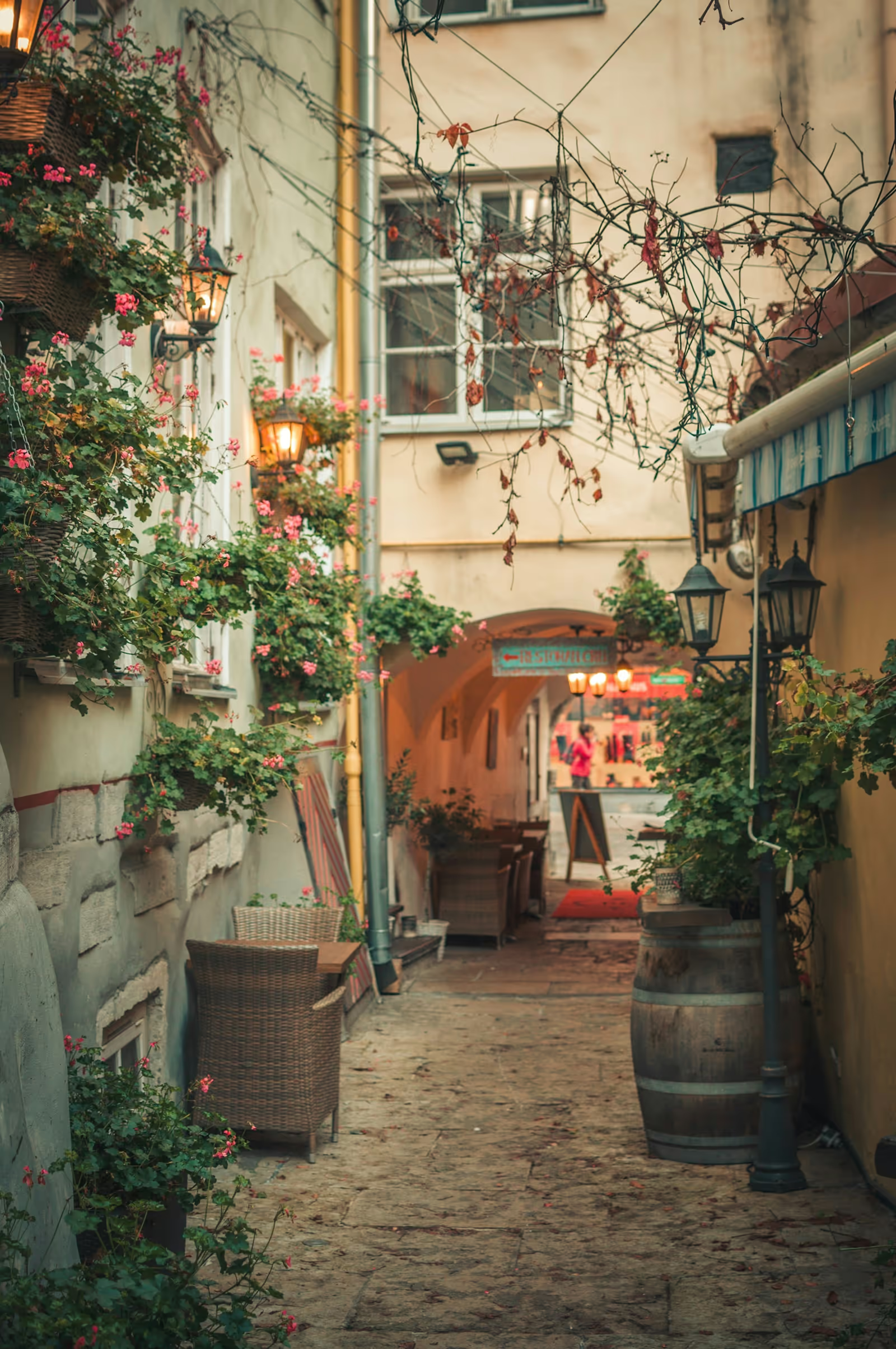
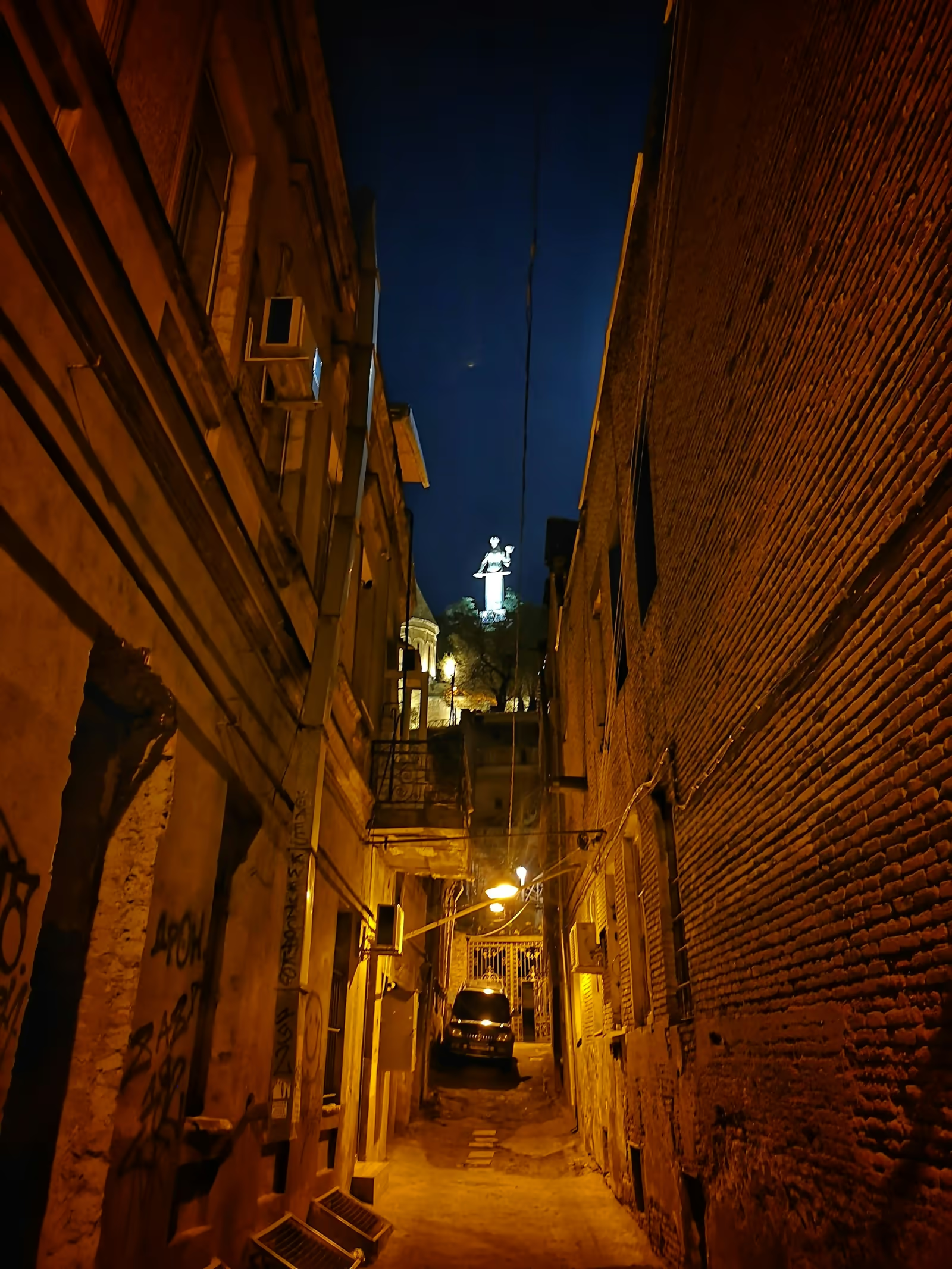
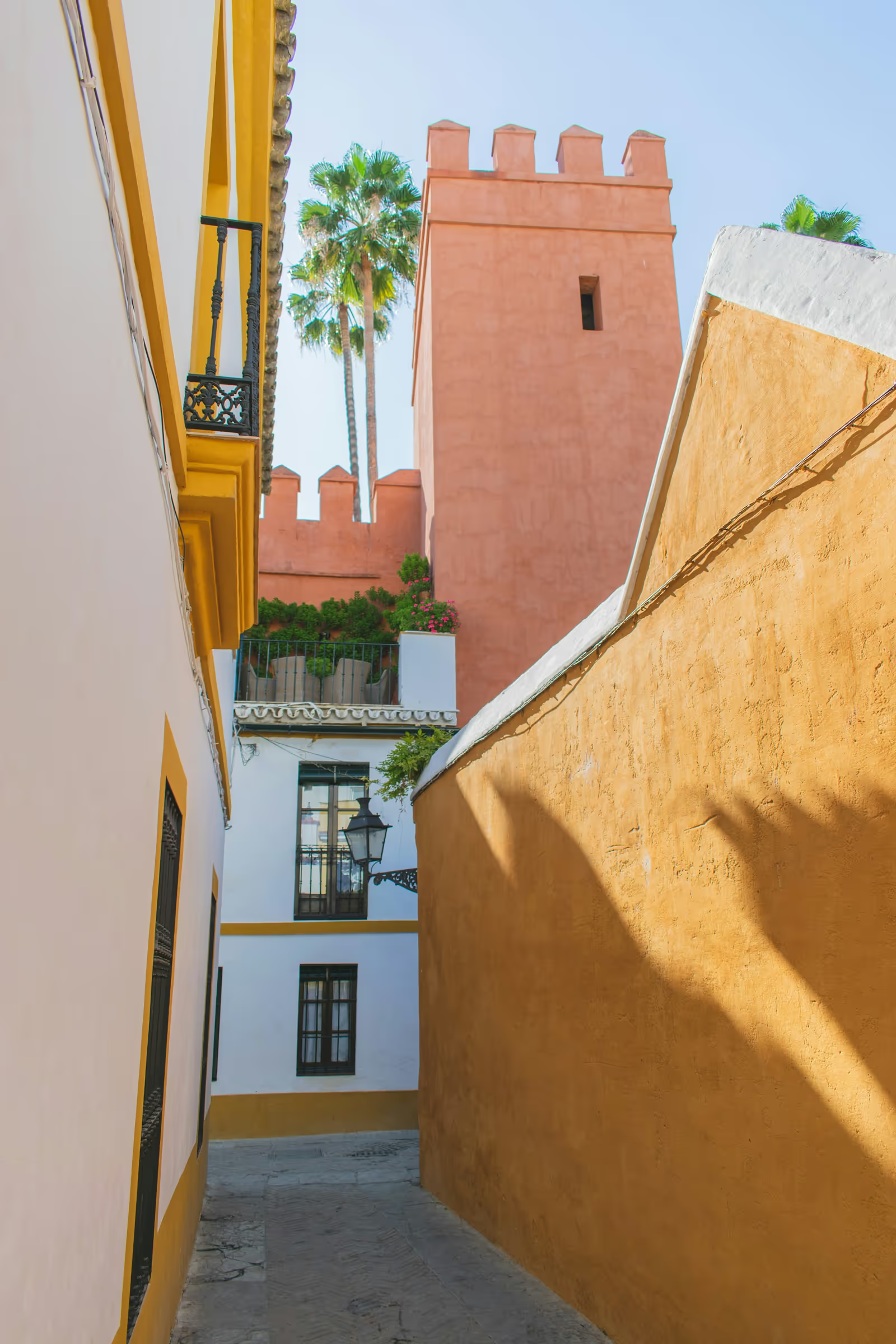
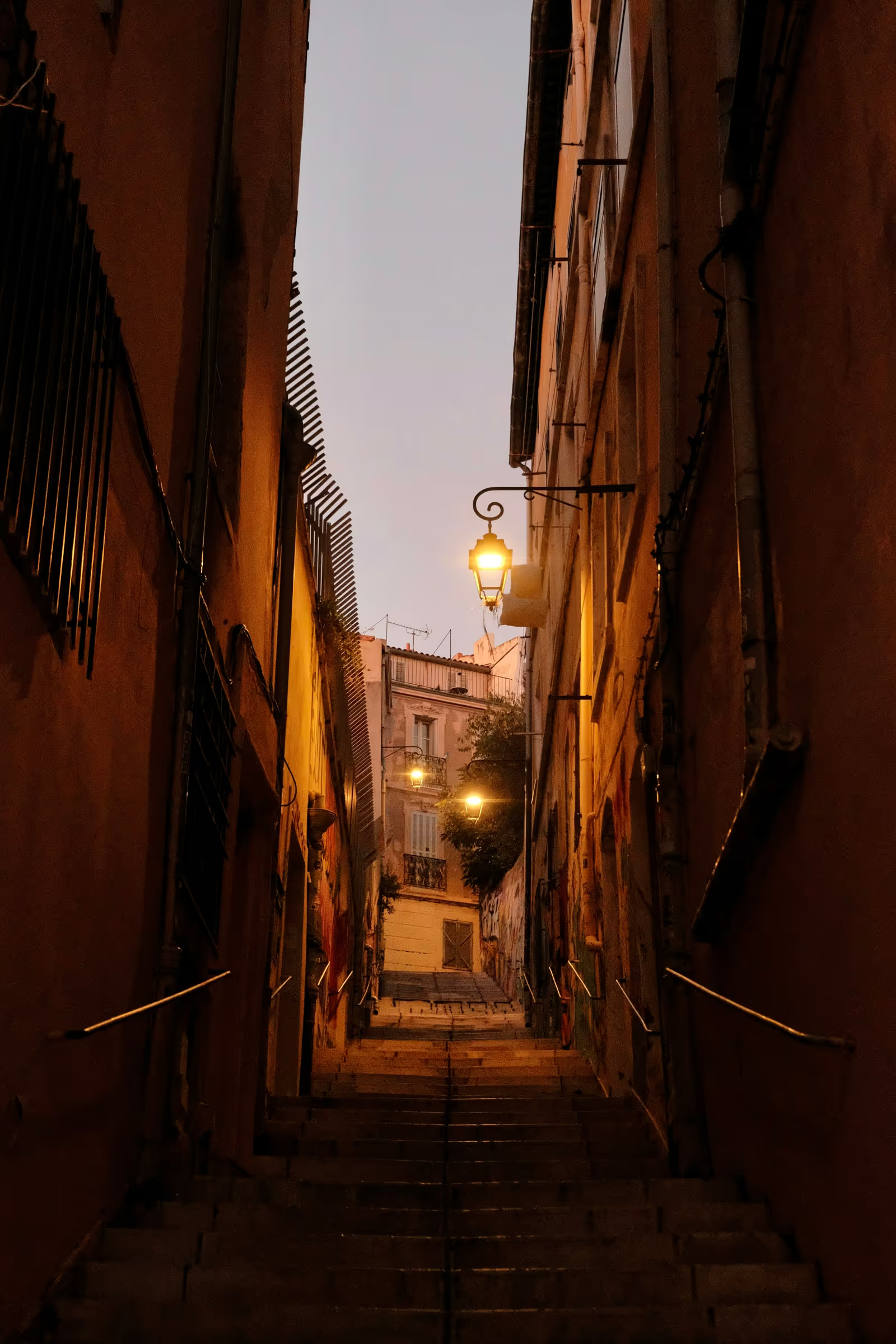
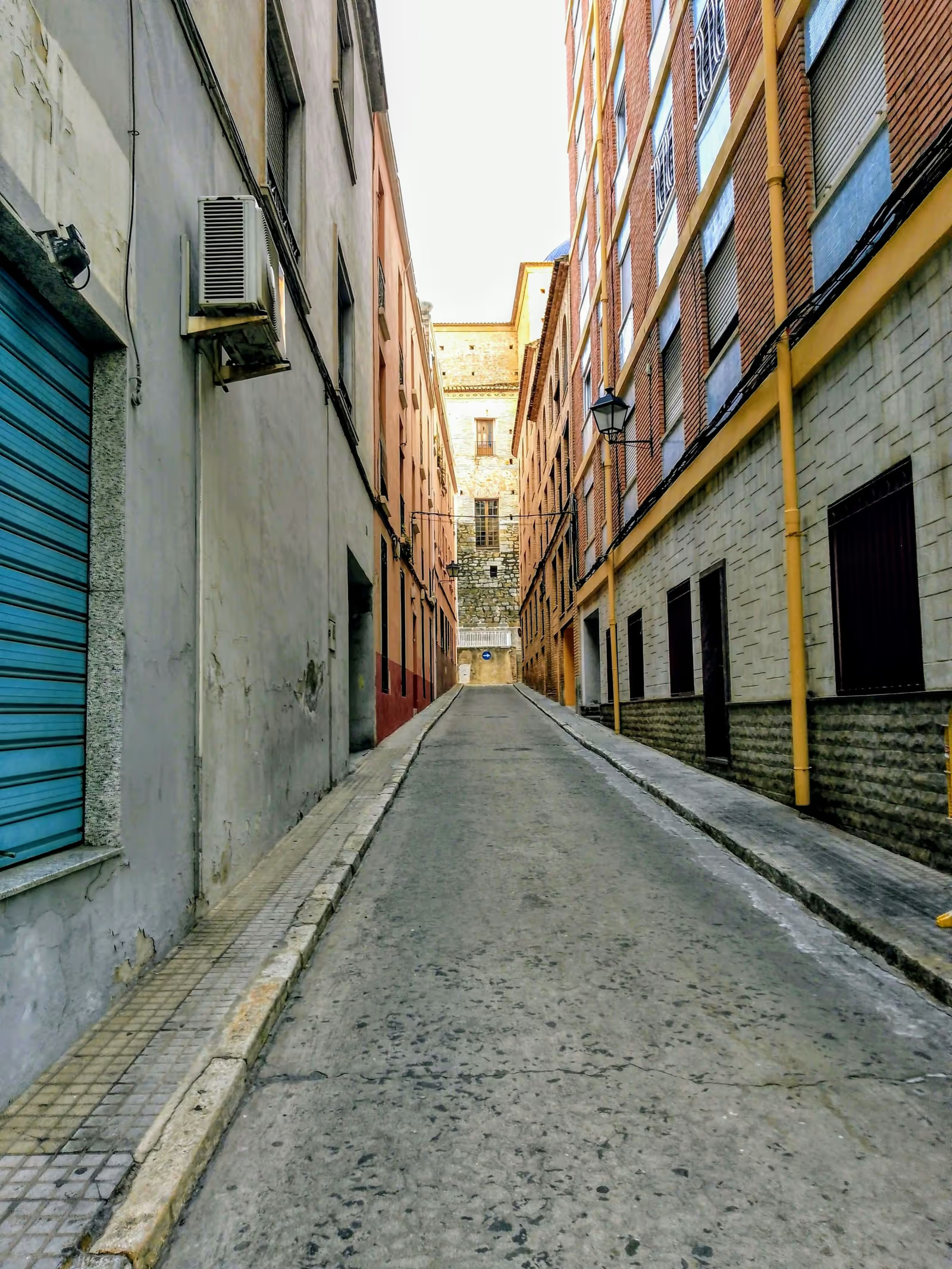
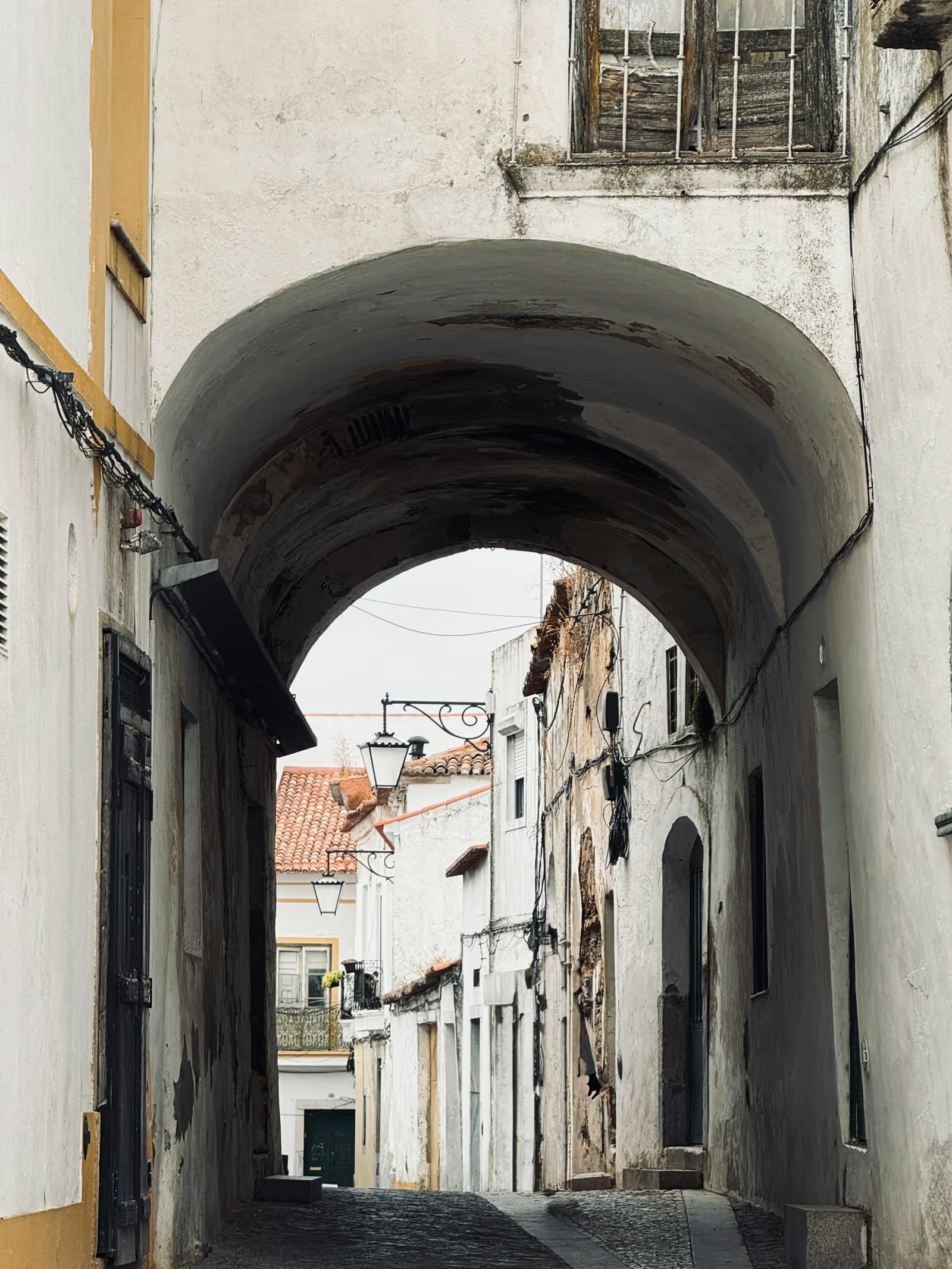
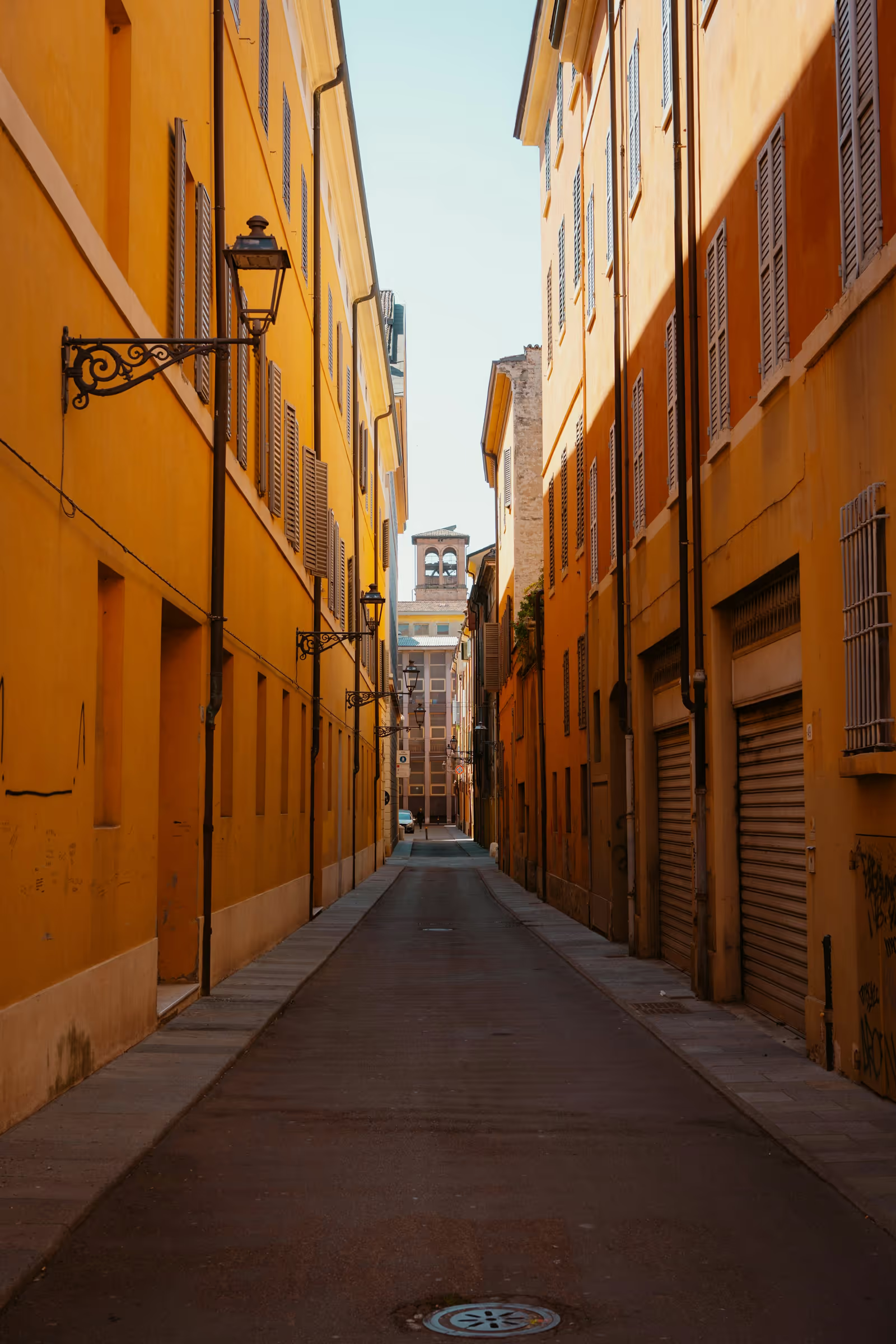
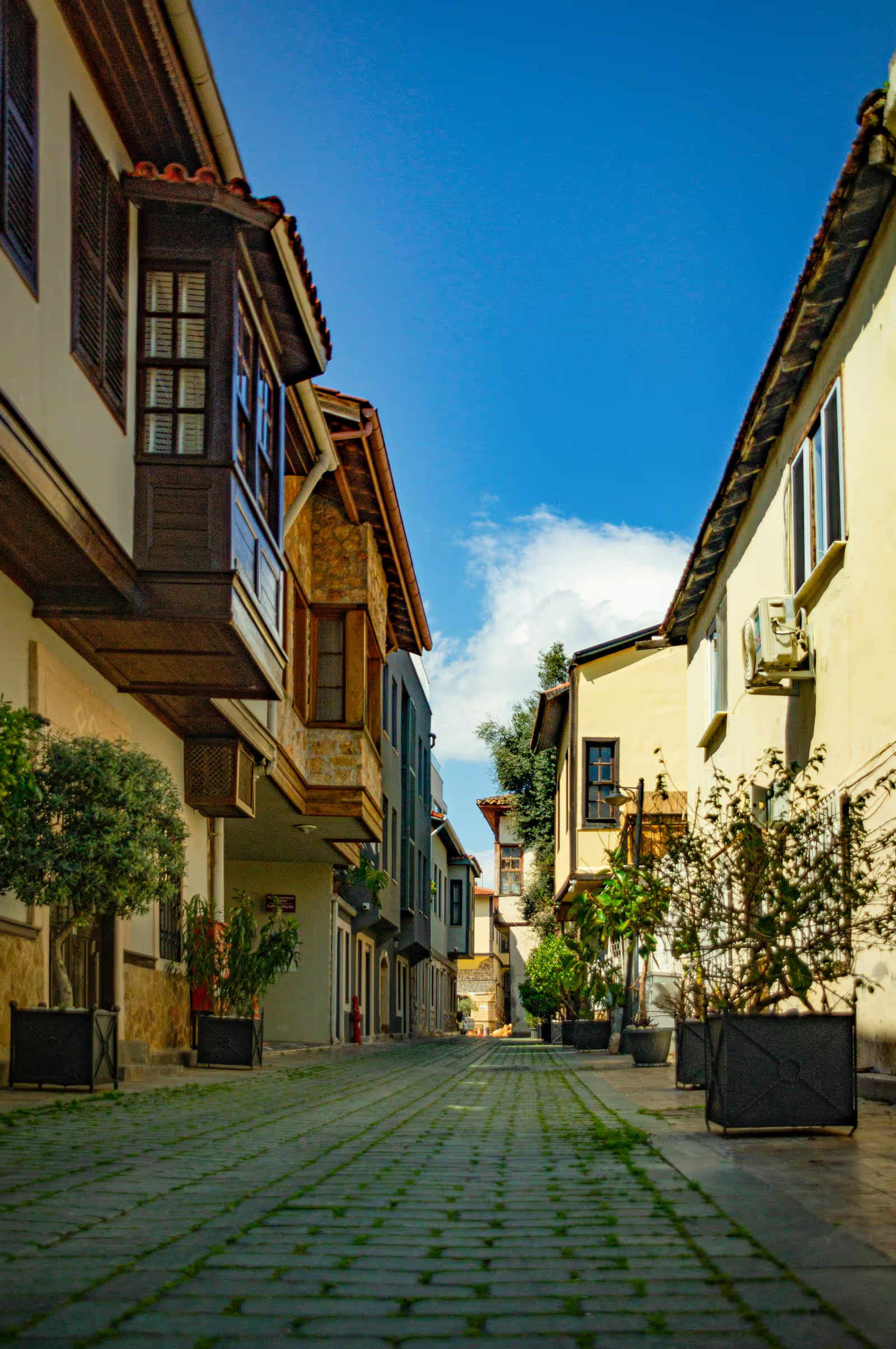
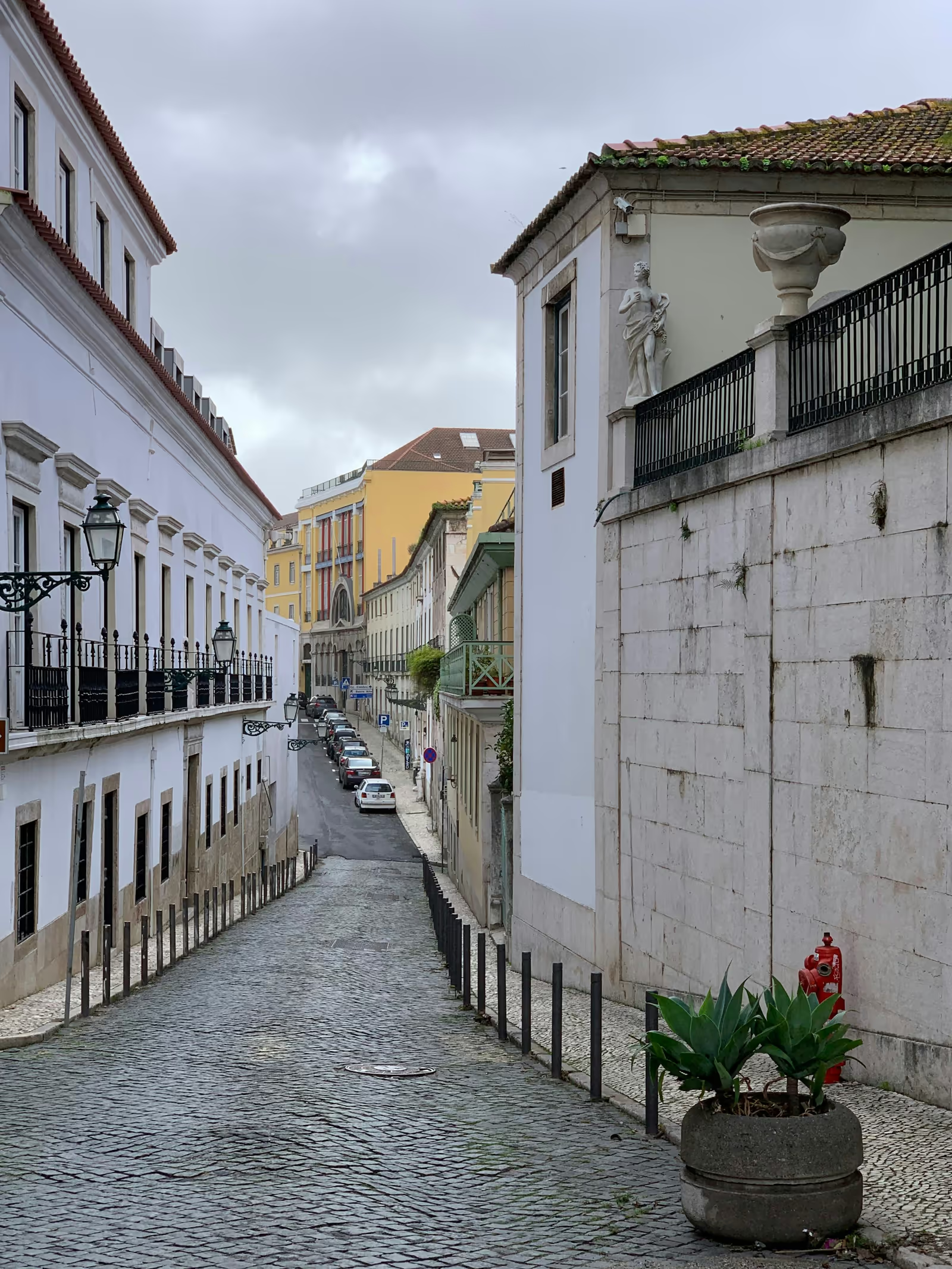
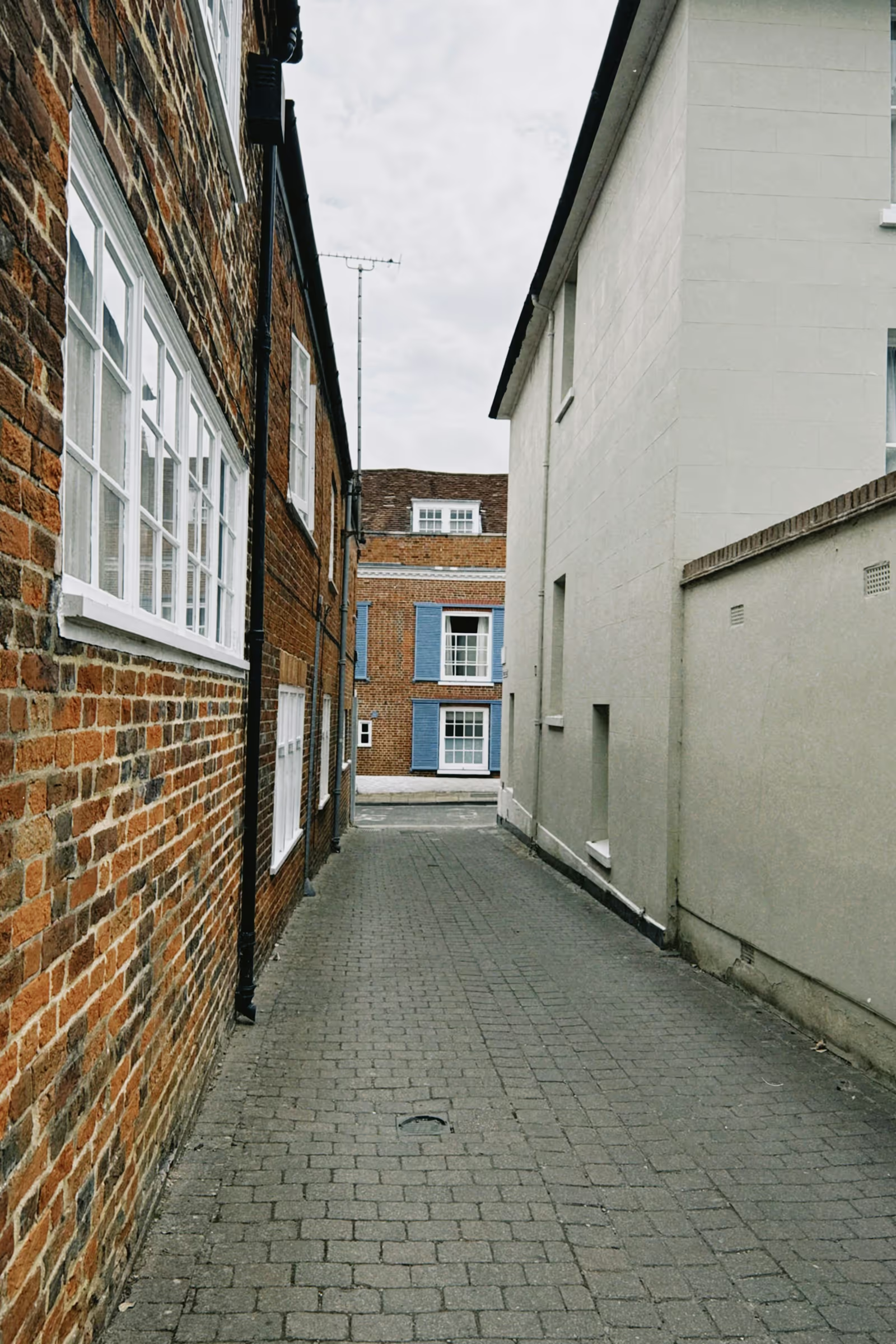
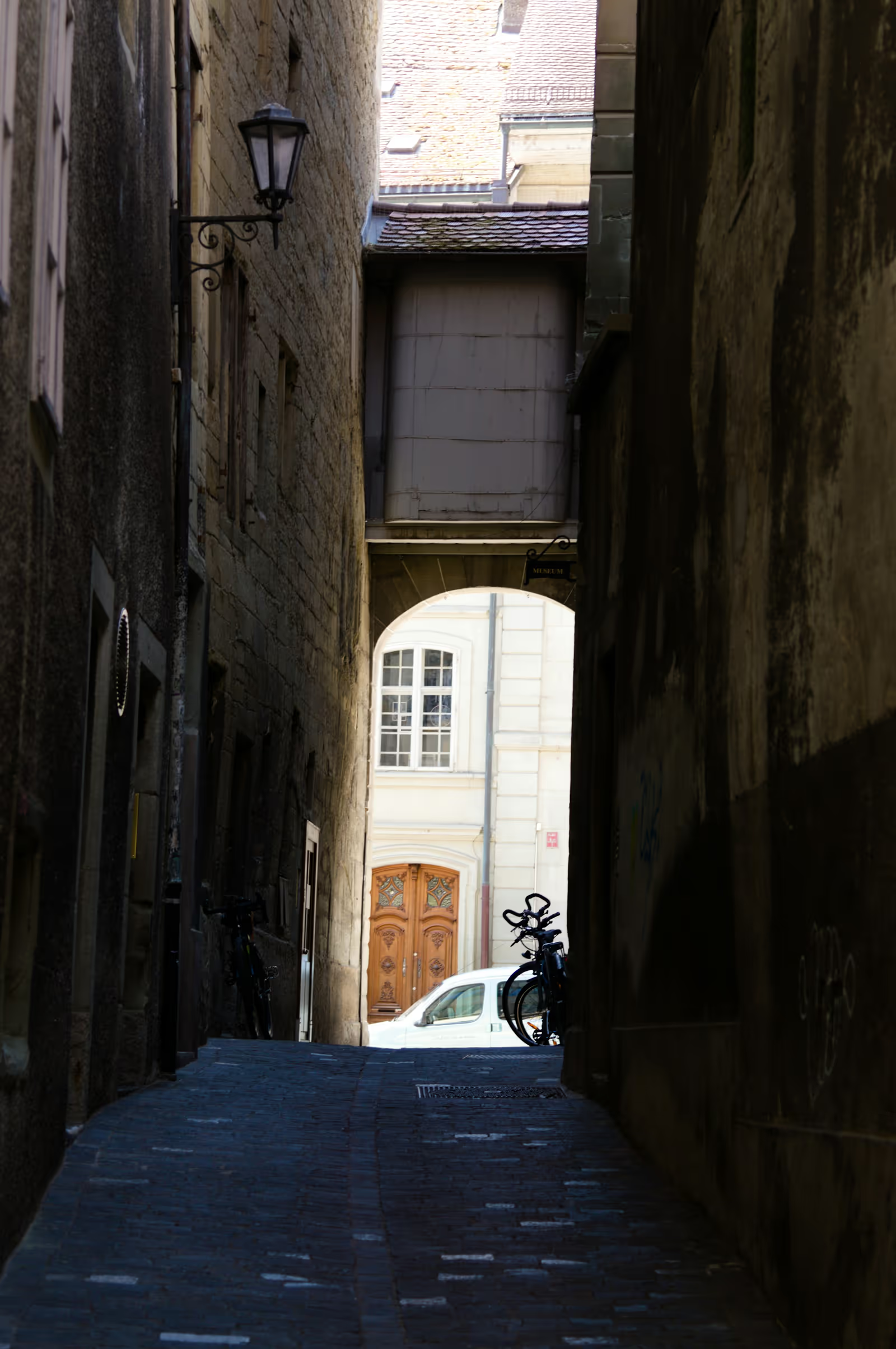











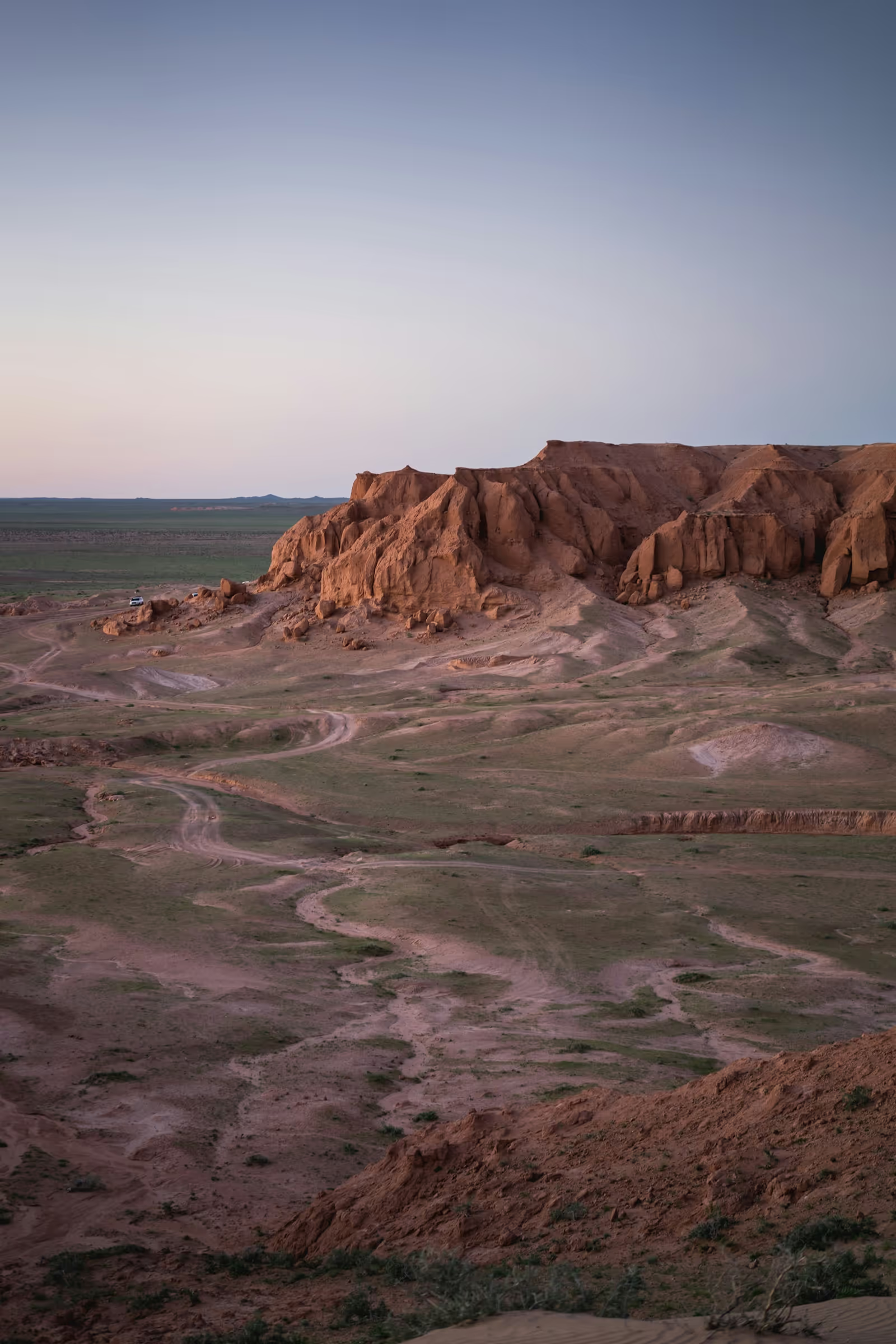
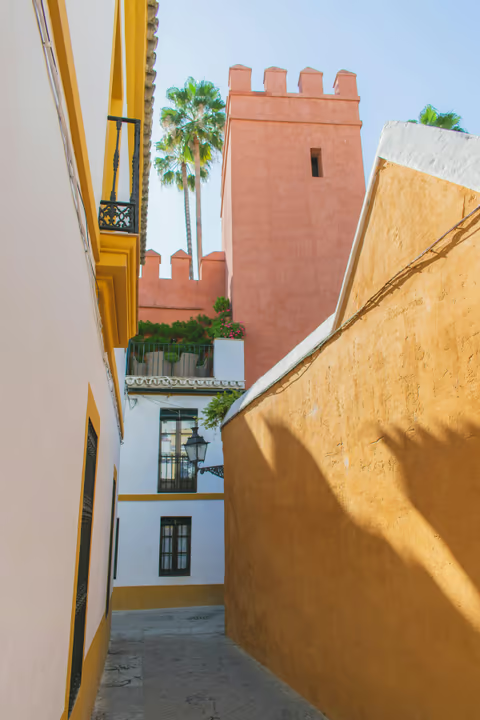
Provide the natural image size via data-lg-size so the rows can be laid out
before the thumbnails finish loading. Without it, the layout falls back to the
loaded image’s aspect ratio.
HTML
<div id="gallery-justified-layout-demo">
    <a data-lg-size="1600-1067" href="img/img1.jpg">
        <img src="img/thumb1.jpg" />
    </a>
    <a data-lg-size="1600-2400" href="img/img2.jpg">
        <img src="img/thumb2.jpg" />
    </a>
    <!-- more items -->
</div>
JavaScript
import lightGallery from 'lightgallery';
import lgJustified from 'lightgallery/plugins/justified';

// Don't forget to include the justified css file
// import 'lightgallery/css/lg-justified.css';

lightGallery(document.getElementById('gallery-justified-layout-demo'), {
    plugins: [lgJustified],
});
import { LightGallery, LightGalleryItem } from '@lightgallery/react';
import { JustifiedGrid } from '@lightgallery/react/plugins/justified';
import 'lightgallery/css/lightgallery.css';
import 'lightgallery/css/lg-justified.css';
const items = [
{
src: 'img/img1.jpg',
thumb: 'img/thumb1.jpg',
alt: 'Mountains',
// "WIDTH-HEIGHT" of the full-size image: the rows are laid out
// from it before the thumbnails load
lgSize: '1600-1067',
},
{
src: 'img/img2.jpg',
thumb: 'img/thumb2.jpg',
alt: 'Forest path',
lgSize: '1600-2400',
},
];
// JustifiedGrid lays the triggers out in rows of equal height that fill
// its width.
<LightGallery>
<JustifiedGrid>
{items.map((item) => (
<LightGalleryItem
key={item.src}
item={item}
data-lg-size={item.lgSize}
>
<img src={item.thumb} alt={item.alt} />
</LightGalleryItem>
))}
</JustifiedGrid>
</LightGallery>;<script setup>
import { LightGallery, LgItem } from '@lightgallery/vue';
import { JustifiedGrid } from '@lightgallery/vue/plugins/justified';
import 'lightgallery/css/lightgallery.css';
import 'lightgallery/css/lg-justified.css';
const items = [
{
src: 'img/img1.jpg',
thumb: 'img/thumb1.jpg',
alt: 'Mountains',
// "WIDTH-HEIGHT" of the full-size image: the rows are laid out
// from it before the thumbnails load
lgSize: '1600-1067',
},
{
src: 'img/img2.jpg',
thumb: 'img/thumb2.jpg',
alt: 'Forest path',
lgSize: '1600-2400',
},
];
</script>
<template>
<LightGallery>
<!-- JustifiedGrid lays the triggers out in rows of equal height
that fill its width. -->
<JustifiedGrid>
<LgItem
v-for="item of items"
:key="item.src"
:item="item"
:data-lg-size="item.lgSize"
>
<img :src="item.thumb" :alt="item.alt" />
</LgItem>
</JustifiedGrid>
</LightGallery>
</template>import { Component } from '@angular/core';
import {
LgGalleryComponent,
LgGalleryItemDirective,
type LgGalleryItem,
} from '@lightgallery/angular';
import { LgJustifiedGridComponent } from '@lightgallery/angular/plugins/justified';
@Component({
selector: 'app-gallery',
imports: [
LgGalleryComponent,
LgGalleryItemDirective,
LgJustifiedGridComponent,
],
template: `
<lg-gallery>
<!-- lg-justified-grid lays the triggers out in rows of equal
height that fill its width. -->
<lg-justified-grid>
@for (item of items; track item.src) {
<a [lgGalleryItem]="item" [attr.data-lg-size]="item.lgSize">
<img [src]="item.thumb" [alt]="item.alt" />
</a>
}
</lg-justified-grid>
</lg-gallery>
`,
})
export class Gallery {
items: LgGalleryItem[] = [
{
src: 'img/img1.jpg',
thumb: 'img/thumb1.jpg',
alt: 'Mountains',
// "WIDTH-HEIGHT" of the full-size image: the rows are laid out
// from it before the thumbnails load
lgSize: '1600-1067',
},
{
src: 'img/img2.jpg',
thumb: 'img/thumb2.jpg',
alt: 'Forest path',
lgSize: '1600-2400',
},
];
}Customize the layout
Tune the target row height, the gap, and the last-row policy, 'justify'
stretches the leftover row to fill the width, 'start' keeps it at row
height, 'hide' hides the leftover thumbnails.















lightGallery(document.getElementById('gallery-justified-custom-demo'), {
    plugins: [lgJustified],
    justifiedRowHeight: 120,
    justifiedGap: 12,
    justifiedLastRow: 'justify',
});<JustifiedGrid rowHeight={120} gap={12} lastRow="justify">
{/* LightGalleryItem triggers as above */}
</JustifiedGrid><JustifiedGrid :row-height="120" :gap="12" last-row="justify">
<!-- LgItem triggers as above -->
</JustifiedGrid><lg-justified-grid [rowHeight]="120" [gap]="12" lastRow="justify">
<!-- lgGalleryItem triggers as above -->
</lg-justified-grid>