 lightGallery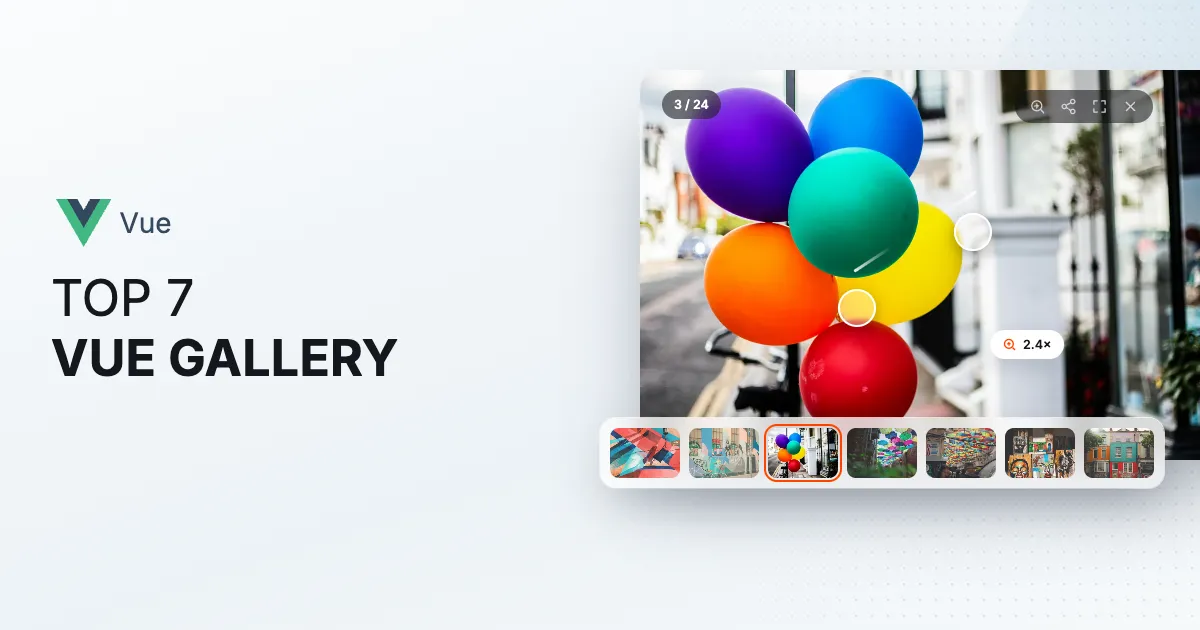

The Vue ecosystem has more lightbox components than any sane person would want to evaluate, and a suprising number of them stopped at Vue 2 and never came back. So before anything else I applied two filters, whether it works with Vue 3 and whether it has shipped anything recenlty. That alone cut the field down to a handful.
What’s left is compared on the things that actually decide it, meaning thumbnails, video, zoom, how it feels on a phone, whether you can make it look like part of your site, Nuxt and server rendering, how alive the project is, and the license. I pulled the download and release numbers from npm and GitHub rather than trusting anyone’s README, including ours.
The seven at a glance
| Feature | lightGallery | v-viewer | vue-easy-lightbox | fslightbox-vue | vue-silentbox | vue-gallery | vue3-carousel |
|---|---|---|---|---|---|---|---|
| Setup | |||||||
| Native Vue 3 component | Wraps viewer.js Partly: | Wraps the core Partly: | Vue 2 only No: | ||||
| Nuxt server rendering | Images only Partly: | ||||||
| Lightbox overlay | |||||||
| Dependencies | None | viewer.js | None | None | None | blueimp Gallery | None |
| Media | |||||||
| Thumbnail strip | Paid tier Partly: | Second carousel Partly: | |||||
| YouTube and Vimeo video | YouTube only Partly: | By video ID Partly: | |||||
| HTML5 video | |||||||
| Lazy video embeds | |||||||
| Video thumbnails fetched for you | YouTube only Partly: | ||||||
| Iframe slides, maps and PDFs | |||||||
| Responsive images, srcset and picture | |||||||
| Captions | Paid tier Partly: | ||||||
| Interaction | |||||||
| Pinch and double-tap zoom | Paid tier Partly: | ||||||
| Swipe or pinch to close | |||||||
| Opens from the thumbnail | |||||||
| Thumbnail scrubbing | |||||||
| Fullscreen | Slideshow only Partly: | ||||||
| Keyboard navigation | |||||||
| Screen reader support | Dialog, announcements Yes: | ||||||
| Reduced motion | |||||||
| Layout and scale | |||||||
| Justified grid | |||||||
| Virtualization | |||||||
| Right-to-left | |||||||
| Custom icons | Paid tier Partly: | ||||||
| Inline gallery mode | |||||||
| Links and sharing | |||||||
| Deep links, back and forward | |||||||
| Native share sheet | |||||||
| Download button | Paid tier Partly: | ||||||
| Project | |||||||
| Core size, gzipped | 19 KB | 19 KB | 8 KB | 10 KB | 3 KB | 10 KB | 12 KB |
| Last release | Oct 2026 | Feb 2026 | Mar 2024 | Aug 2026 | Jan 2023 | Aug 2023 | Oct 2026 |
| License | GPLv3 or commercial | MIT | MIT | MIT basic, paid pro | MIT | MIT | MIT |
lightGallery

The important word for lightGallery in Vue is native. @lightgallery/vue isn’t a wrapper that mounts the vanilla library inside a div. Vue renders the trigger grid and the lightbox itself, through scoped slots and Teleport, with v-model for the open state and the slide index. The same headless core drives the React and Angular packages, so if your company has a Vue app and a React app, both get the identical gallery. Under Nuxt the grid server-renders and the lightbox mounts on the client.
Everything beyond the core lightbox is a plugin with it’s own import. That means thumbnails, zoom, video, autoplay, fullscreen, share, rotate, hash URLs and a justified grid. The core is about 19 KB gzipped and the plugins you don’t import never ship. The vanilla package alone sees around 100,000 npm downloads a week.
On a phone it behaves like a photos app. Swipe between slides, pinch or double tap to zoom, drag or pinch to close, and every fling keeps the speed you let go at and settles in a spring instead of snapping to a stop. Edges resist with friction, and reduced-motion turns all of it off. It’s the best touch experience on this list, and I’d say that even if it weren’t ours.
It also looks finished out of the box, which matters more than it sounds for something that frames other people’s photos. The chrome is restrained, the toolbar stays on one row and folds its least important buttons into a menu when space runs out, and every icon is an inline SVG that takes the button’s color, so recoloring the whole set is one CSS rule. Past that, an icons prop swaps any icon by name, there are twenty-odd slide transitions plus your own easing, captions take any HTML, and a className prop scopes your own styles to it. Restyling is still CSS, same as everywhere, but the defaults mean you rarely need much of it.
<script setup>
import { LightGallery, LgItem } from '@lightgallery/vue';
import Thumbnail from '@lightgallery/vue/plugins/thumbnail';
import Zoom from '@lightgallery/vue/plugins/zoom';

const plugins = [Thumbnail, Zoom];
const items = [
    { src: 'img/1-1600.jpg', thumb: 'img/1-240.jpg', alt: 'Mountains', lgSize: '1600-1067' },
    { src: 'img/2-1600.jpg', thumb: 'img/2-240.jpg', alt: 'Forest path', lgSize: '1600-2400' },
];
</script>

<template>
    <LightGallery :plugins="plugins">
        <LgItem v-for="item of items" :key="item.src" :item="item">
            <img :src="item.thumb" :alt="item.alt" />
        </LgItem>
    </LightGallery>
</template>
It’s the pick when you want thumbnails, video, zoom and a proper touch experience from one component, when you’re on Nuxt and want the grid in the HTML, or when another team in the building ships React or Angular.
The thing to weigh is the license. Free under the GPLv3, and a proprietary project needs a one-time commercial license. The open-from-thumbnail animation also needs each image’s full-size dimensions (lgSize).
v-viewer
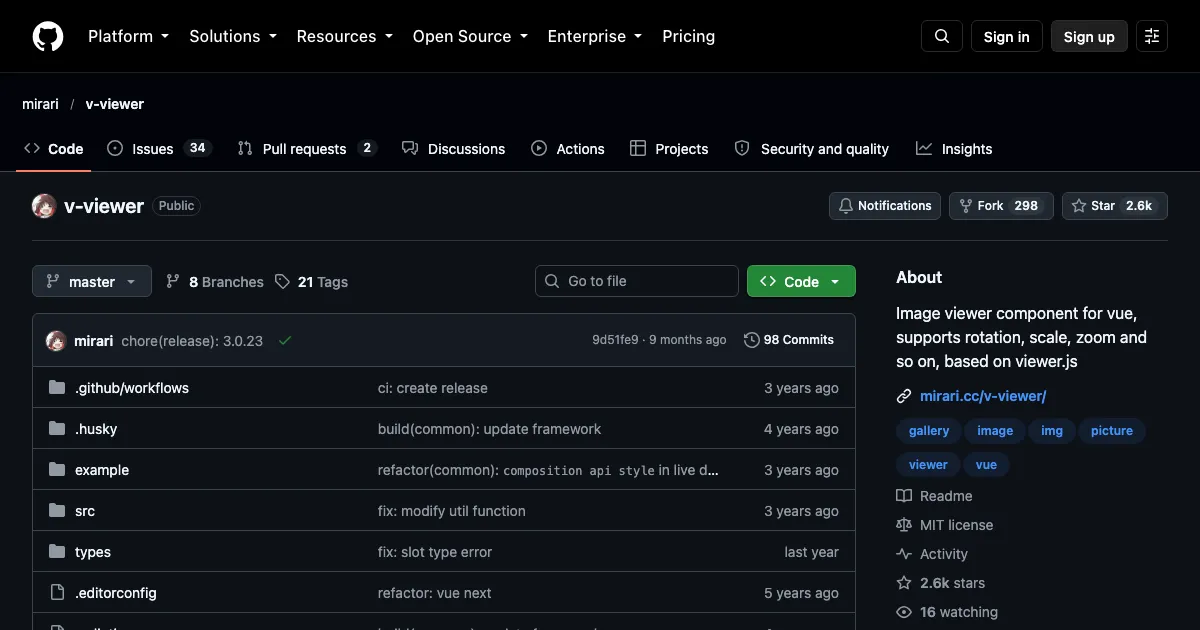
v-viewer wraps viewer.js, the image viewer you’ve probably met inside an admin dashboard, for Vue 3, with a Vue 2 branch still maintained alongside. You get it as a directive, a component or an API call, so turning existing <img> tags into a viewer is one attribute. Zoom, rotate, flip, a navigation bar of thumbnails and keyboard control come from viewer.js underneath. At about 2,600 stars and 36,000 weekly downloads, with a release in February 2026, it’s the most used actively maintained option here.
I’d use it where the job is inspecting images, such as product shots, scans or screenshots, rather than presenting them. It’s images only, no video, and the look is viewer.js’s utilitarian chrome. Options pass straight through to viewer.js, so that’s the documentation you’ll actually read.
vue-easy-lightbox
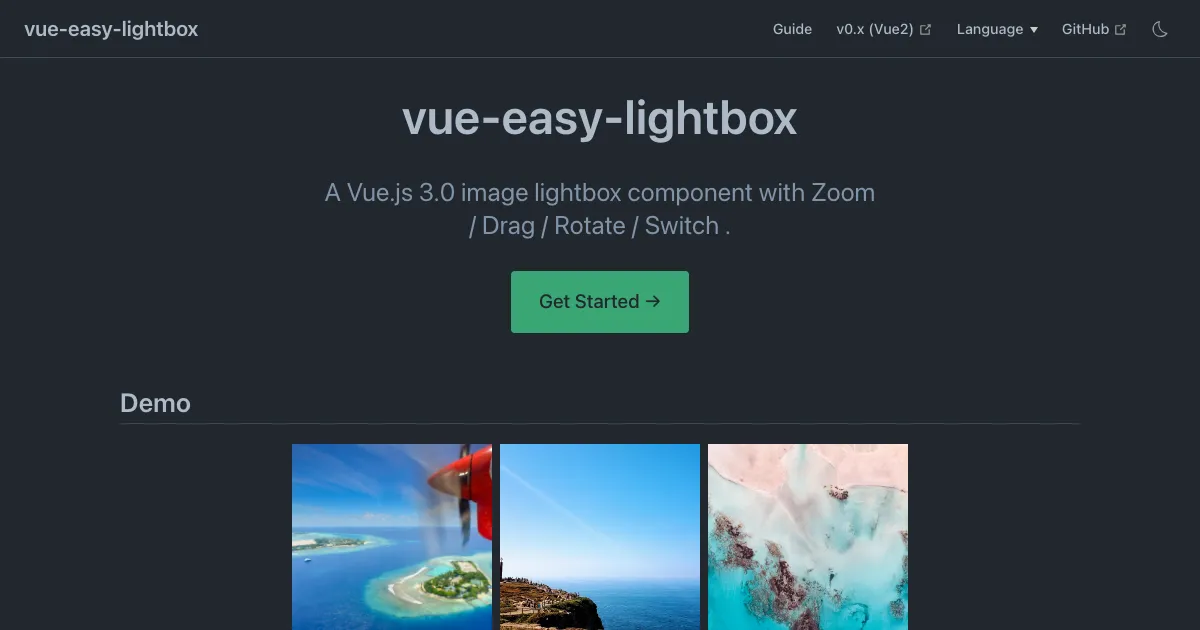
vue-easy-lightbox is exactly what the name says, a Vue 3 only lightbox, about 8 KB gzipped, written in TypeScript with no dependencies, with zoom, drag, rotate and switching, a composable API and a Nuxt module alongside. It pulls roughly 58,000 downloads a week, more than any other lightbox on this list, and I understand why. It’s pleasant to use.
My reservation is maintenance. The last release was March 2024 and the last commit April 2024, with the issue tracker still open. It works with current Vue 3 today, but if you hit a bug, the fix is going to be yours. No thumbnails and no video either.
fslightbox-vue
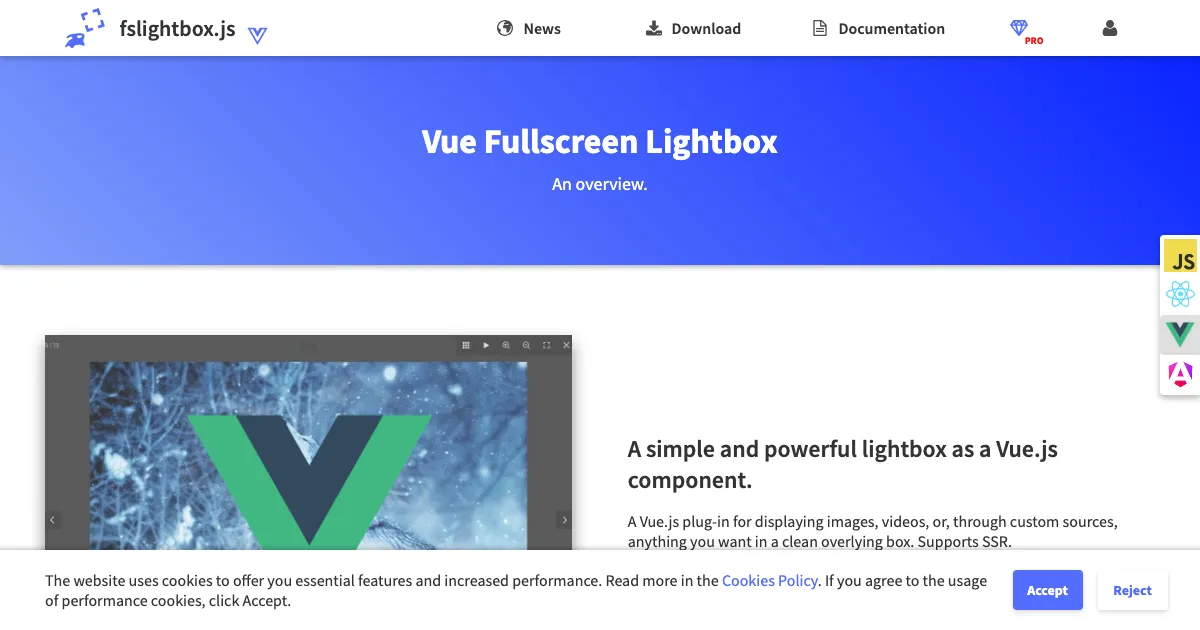
fslightbox-vue is the Vue build of Fullscreen Lightbox, a full-window overlay for images, YouTube and HTML5 video, or any custom source, supporting Vue 2.5 and Vue 3.2 from one package. It released in August 2026, so nobody can call it abandoned.
What you need to know before installing is the split between editions. The MIT basic edition gives you the overlay and navigation. Thumbnails, zoom, captions and the extra toolbar buttons live in the paid pro edition. Check the feature matrix on its site before you plan around one of those.
vue-silentbox
vue-silentbox was built for mixed media, so images sit next to YouTube, Vimeo and Twitch embeds and local video files, with a thumbnail gallery and a custom activator slot so you can use your own triggers. If you have video from more than one provider and don’t want to pay for thumbnails, it covers a gap the others leave.
Two caveats. There’s no zoom, and the repository and the npm package have drifted apart, with commits in November 2025 but a last published release from January 2023. Pin the version you tested.
vue-gallery
vue-gallery wraps the blueimp Gallery for Vue. You get images and HTML5 video in a lightbox or an inline carousel, swipe, keyboard navigation, indicator thumbnails and transition effects, with notes for Nuxt. The library underneath has been stable for years, which is either reassuring or dated depending on your taste.
There’s no zoom, YouTube and Vimeo need blueimp’s extra factory scripts, and the last release was August 2023.
vue3-carousel
vue3-carousel is on this list for an honest reason. It’s the carousel most Vue 3 projects actually install, around 100,000 downloads a week with a release in October 2026. Slides are slots, there are breakpoints, autoplay and wrap-around, and the thumbnail pattern is a second synced carousel.
It’s a slider, not a lightbox. There’s no full-screen view, no zoom and no media handling, so the lightbox from this list goes on top of it.
So which one?
- lightGallery if you want one component for grid, lightbox, thumbnails, video and zoom, with Nuxt SSR.
- v-viewer for an image inspector with rotate and zoom that’s actively maintained.
- vue-easy-lightbox for the smallest typed image lightbox, if you can live with no maintenance.
- fslightbox-vue for images and video in a free overlay, with thumbnails and zoom behind a paid tier.
- vue-silentbox for streaming video with thumbnails, free.
- vue-gallery for a classic gallery with images and self-hosted video.
- vue3-carousel for a carousel to pair with any of the above.
If lightGallery is the pick, the Vue image gallery demo, the Vue video gallery and the Vue package docs, which cover Nuxt, are where to start.