 lightGallery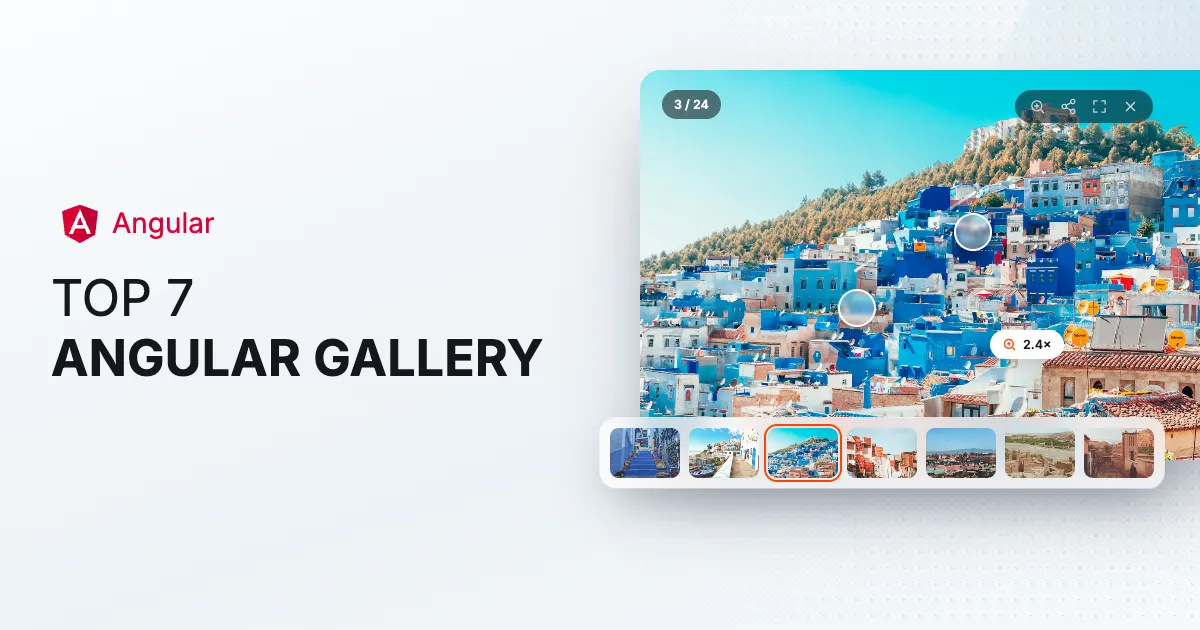

Angular moves fast, and gallery libraries are where you feel it. A package that was fine on Angular 13 may refuse to install on Angular 22, and an alarming number of the galleries that still rank on Google are pinned to versions nobody starts a project on anymore. So the first thing I checked for every library below is the Angular range its published package actually declares. Not what the README says, what npm view says.
After that I asked the usual questions about thumbnails, video, zoom, how it feels on a phone, whether you can make it look like part of your site, server rendering, how recently it shiped, and the license. All the figures come from npm and GitHub, not from anyone’s README.
The seven at a glance
| Feature | lightGallery | ng-gallery | ngx-lightbox | angular-modal-gallery | ngx-gallery by daelmaak | ng-image-slider | ngx-owl-carousel-o |
|---|---|---|---|---|---|---|---|
| Setup | |||||||
| Angular versions | 21 to 22 | 16 and up | Not declared | 22 | 21 and up | 18 | 22 |
| Native Angular component | |||||||
| Angular SSR | Fixed on next No: | ||||||
| Lightbox overlay | |||||||
| Dependencies | None | Angular CDK | file-saver | Angular CDK | None | None | None |
| Media | |||||||
| Thumbnail strip | Previews row Yes: | Inline strip Partly: | HTML dots Partly: | ||||
| YouTube and Vimeo video | By video ID Partly: | Embed URL Partly: | YouTube only Partly: | ||||
| HTML5 video | |||||||
| Lazy video embeds | |||||||
| Video thumbnails fetched for you | YouTube only Partly: | ||||||
| Iframe slides, maps and PDFs | |||||||
| Responsive images, srcset and picture | |||||||
| Captions | |||||||
| Interaction | |||||||
| Pinch and double-tap zoom | Buttons only Partly: | ||||||
| Swipe or pinch to close | |||||||
| Opens from the thumbnail | |||||||
| Thumbnail scrubbing | |||||||
| Fullscreen | |||||||
| Keyboard navigation | Arrows only Partly: | Focus only Partly: | |||||
| Screen reader support | Dialog, announcements Yes: | ||||||
| Reduced motion | |||||||
| Layout and scale | |||||||
| Justified grid | Fixed grid Partly: | ||||||
| Virtualization | |||||||
| Right-to-left | |||||||
| Custom icons | |||||||
| Inline gallery mode | |||||||
| Links and sharing | |||||||
| Deep links, back and forward | |||||||
| Native share sheet | |||||||
| Download button | |||||||
| Project | |||||||
| Core size, gzipped | 19 KB | 25 KB | 8 KB | 36 KB | 10 KB | 35 KB | 16 KB |
| Last release | Oct 2026 | Oct 2024 | Oct 2022 | Jun 2026 | Mar 2026 | Nov 2024 | Jul 2026 |
| License | GPLv3 or commercial | MIT | MIT | MIT | Apache-2.0 | MIT | MIT |
lightGallery

lightGallery ships @lightgallery/angular, and it’s written the way Angular wants things written now, as a standalone component with signal inputs, zoneless change detection and a CDK overlay for the lightbox. Angular renders every node, the grid server-renders under Angular SSR and hydrates, and the same headless core drives the React and Vue packages, so the feature set is identical across the three. Plugins are features you pass in, withThumbnail(), withZoom(), withVideo() and so on, each it’s own entry point. The vanilla package alone sees around 100,000 npm downloads a week.
On a phone it behaves like a photos app. Swipe between slides, pinch or double tap to zoom, drag or pinch to close, and every fling keeps the speed you let go at and settles in a spring instead of snapping to a stop. Edges resist with friction, and reduced-motion turns all of it off. It’s the best touch experience on this list, and I’d say that even if it weren’t ours.
It also looks finished out of the box, which matters more than it sounds for something that frames other people’s photos. The chrome is restrained, the toolbar stays on one row and folds its least important buttons into a menu when space runs out, and every icon is an inline SVG that takes the button’s color, so recoloring the whole set is one CSS rule. Past that, an lgIcon template swaps any icon by name, there are twenty-odd slide transitions plus your own easing, captions take any HTML, and a className input scopes your own styles to it. Restyling is still CSS, same as everywhere, but the defaults mean you rarely need much of it.
import { Component } from '@angular/core';
import {
    LgGalleryComponent,
    LgGalleryItemDirective,
    type LgGalleryItem,
} from '@lightgallery/angular';
import { withThumbnail } from '@lightgallery/angular/plugins/thumbnail';
import { withZoom } from '@lightgallery/angular/plugins/zoom';

@Component({
    selector: 'app-gallery',
    imports: [LgGalleryComponent, LgGalleryItemDirective],
    template: `
        <lg-gallery [features]="features">
            @for (item of items; track item.src) {
                <a [href]="item.src" [lgGalleryItem]="item">
                    <img [src]="item.thumb" [alt]="item.alt" />
                </a>
            }
        </lg-gallery>
    `,
})
export class Gallery {
    features = [withThumbnail(), withZoom()];
    items: LgGalleryItem[] = [
        { src: 'img/1-1600.jpg', thumb: 'img/1-240.jpg', alt: 'Mountains', lgSize: '1600-1067' },
        { src: 'img/2-1600.jpg', thumb: 'img/2-240.jpg', alt: 'Forest path', lgSize: '1600-2400' },
    ];
}
It’s the pick when you want thumbnails, video, zoom and a proper touch experience on a current Angular with SSR, or when the team also ships React or Vue.
Two things to weigh. The license is free under the GPLv3, with a one-time commercial license for proprietary projects. And the version range follows current Angular, so an application still on an older major has to upgrade first.
ng-gallery
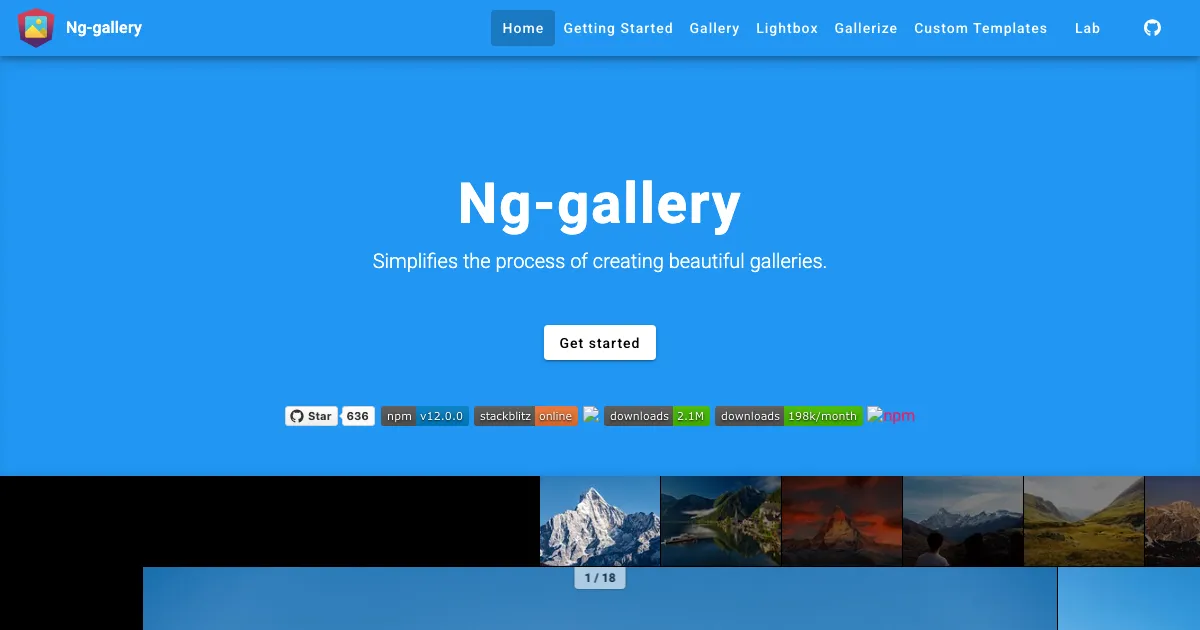
ng-gallery is the long-running Angular gallery, and it comes in three parts. There’s a gallery component with a thumbnail strip and a Gallery service, a lightbox directive and Lightbox service that open the same gallery in a modal, and a gallerize directive that scoops the images out of a container and adds them to the lightbox for you. Items can be images, HTML5 video, YouTube or an iframe. It needs the Angular CDK, and dragging the slider with a mouse needs HammerJS. At about 44,000 weekly downloads and 636 stars it’s the most used Angular-specific option, and the repository is active, with a 13.0.0 prerelease sitting on the next tag.
I’d pick it for an inline gallery and a modal lightbox fed from one data source, on Angular 16 and up. The stable release is from October 2024, so each new Angular major means either waiting for the next tag or living with a peer warning for a while. There’s no zoom.
ngx-lightbox
ngx-lightbox is a port of the original Lightbox2 to Angular. It opens a set of images in a simple overlay with captions, keyboard navigation and a thumbnail option. It still pulls about 21,000 downloads a week, which tells you how many sites just need a plain overlay.
I’d only pick it with eyes open. The last release was October 2022, the package declares no Angular peer range at all, so wether it works with your Angular is something you verify yourself, there’s no video, no real zoom, and the issue tracker has over seventy open items.
angular-modal-gallery
@ks89/angular-modal-gallery is the one that keeps pace with Angular itself. Version 16 shipped for Angular 22 in June 2026. You get a modal gallery with previews, dots, a side-preview layout, keyboard shortcuts and server-side rendering, configured through a set of typed config objects.
It’s a good choice for a modal image gallery on the newest Angular where SSR and keyboard access matter. It’s images only, there’s no zoom, and the configuration surface is bigger than a simple gallery really needs.
ngx-gallery by daelmaak
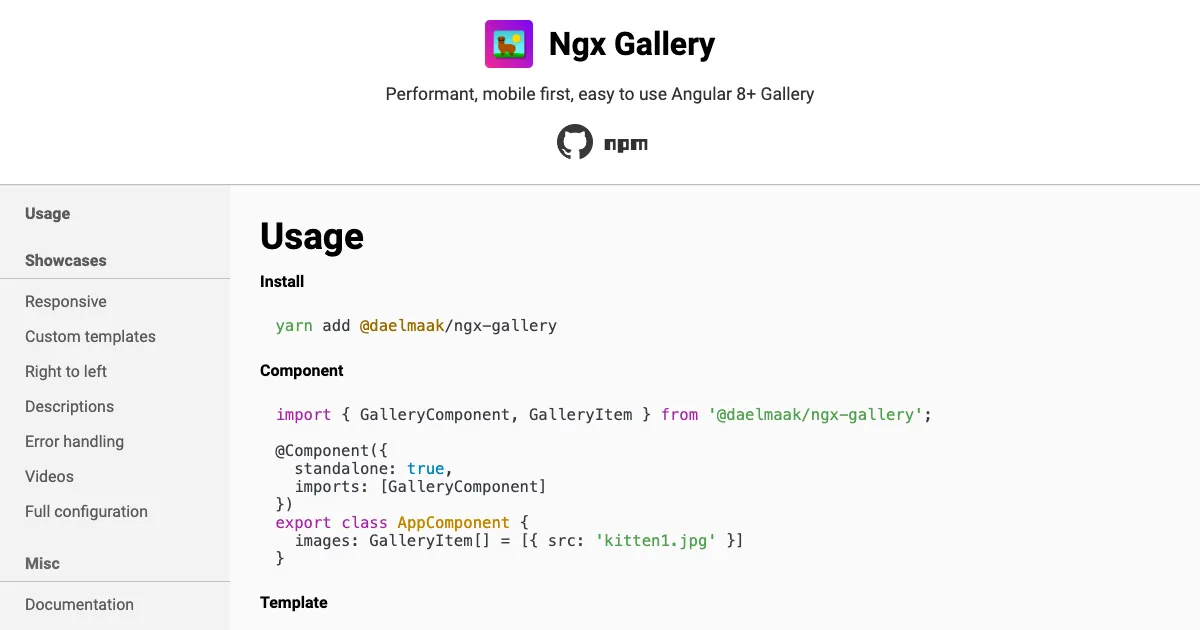
@daelmaak/ngx-gallery is the newer, smaller one, and I rather like it. It’s a standalone gallery component with a configurable thumbnail strip, YouTube and native video items, descriptions, touch and mouse gestures, lazy loading, right-to-left support and custom templates for items, thumbnails and loading states. It released in March 2026 for Angular 21 and up, and its issue tracker is empty.
Picking it makes you an early adopter, with 19 stars and about 600 downloads a week. It’s an inline gallery, so a full-screen lightbox is yours to build, and there’s no zoom.
ng-image-slider
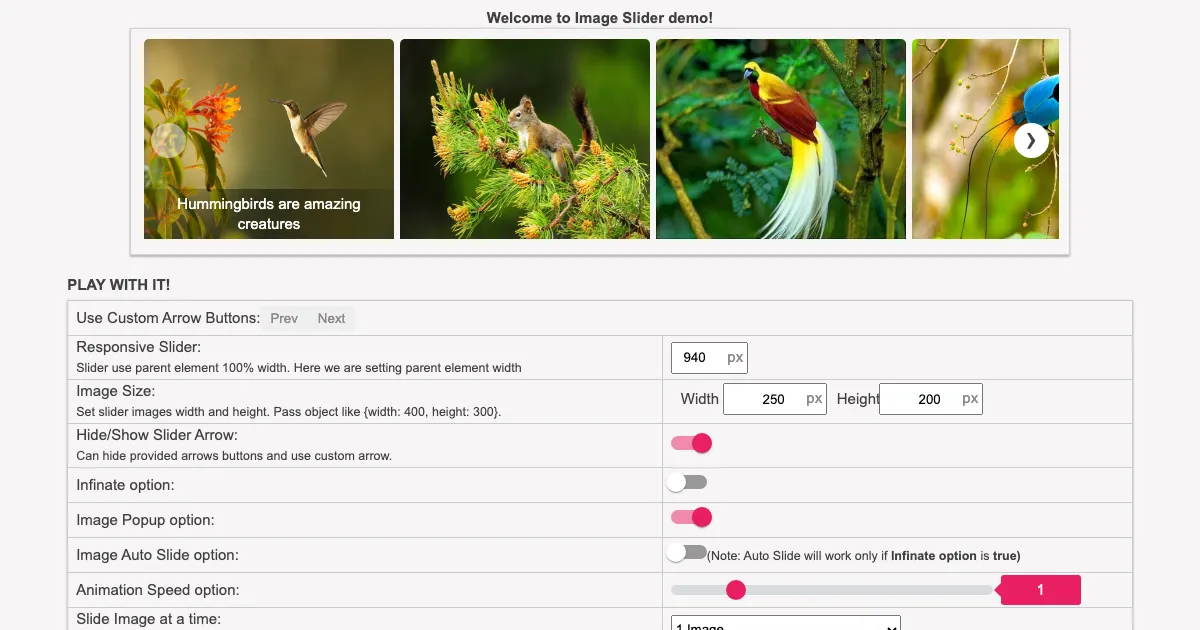
ng-image-slider is a responsive image and video slider with a lightbox popup, lazy loading, autoplay and YouTube support, released in November 2024 for Angular 18.
That version pin is the issue. The peer range names Angular 18 specifically, so newer applications install it with a warning or not at all, and the last commit was January 2025. If you’re on 18 and want a thumbnail slider that pops a lightbox, including YouTube items, it does the job.
ngx-owl-carousel-o
ngx-owl-carousel-o is the Owl Carousel rebuilt as a proper Angular library, no jQuery, and kept in step with Angular. Version 22 shipped in July 2026. About 46,000 weekly downloads. It’s here for the same reason the carousel is on the Vue list, because it’s what people pair a lightbox with.
It is a carousel, not a lightbox, so the full-screen view, zoom and media handling are all things you add.
So which one?
- lightGallery for thumbnails, video and zoom in one component on current Angular, with SSR.
- ng-gallery for the established Angular gallery plus lightbox service.
- ngx-lightbox if you need a plain overlay for a few images and verify it still installs.
- angular-modal-gallery for a modal gallery that tracks the newest Angular.
- ngx-gallery by daelmaak for a small signal-based gallery to grow with.
- ng-image-slider for a slider with a lightbox popup on Angular 18.
- ngx-owl-carousel-o for a carousel to pair with any of the above.
If lightGallery is the pick, start with the Angular image gallery demo, the Angular video gallery and the Angular package docs, which cover Angular SSR.