 lightGallery

A lightbox is one of those things every site needs and nobody wants to think about. You want to click an image, see it big, maybe flick to the next one, and close it. The trouble is that “a lightbox” has quietly grown to mean five different things. It can be an image viewer, a video player, a thumbnail gallery, a zoom tool or a modal for whatever you throw at it. The libraries below each draw that line in a different place.
Every library here was checked for which media it opens, wether it has thumbnails and zoom, how it feels on a phone, whether you can make it look like part of your site, what it weighs, whether there’s a native path for React, Vue or Angular, and the license. All of them are plain JavaScript with no framework required.
The six at a glance
| Feature | lightGallery | PhotoSwipe | GLightbox | BaguetteBox | Blueimp Gallery | Lightbox2 |
|---|---|---|---|---|---|---|
| Setup | ||||||
| Plain JavaScript, no jQuery | Needs jQuery No: | |||||
| React, Vue and Angular packages | ||||||
| Safe to import on the server | ||||||
| Lightbox overlay | ||||||
| Dependencies | None | None | Plyr for video | None | None | jQuery |
| Media | ||||||
| Thumbnail strip | Indicator dots Partly: | |||||
| YouTube and Vimeo video | Custom type Partly: | By video ID Partly: | ||||
| HTML5 video | Plugin Partly: | Via Plyr Yes: | ||||
| Lazy video embeds | ||||||
| Video thumbnails fetched for you | YouTube only Partly: | |||||
| Iframe slides, maps and PDFs | ||||||
| Responsive images, srcset and picture | ||||||
| Captions | Plugin Partly: | |||||
| Interaction | ||||||
| Pinch and double-tap zoom | Pinch only Partly: | |||||
| Swipe or pinch to close | ||||||
| Opens from the thumbnail | ||||||
| Thumbnail scrubbing | ||||||
| Fullscreen | Video only Partly: | |||||
| Keyboard navigation | ||||||
| Screen reader support | Dialog, announcements Yes: | |||||
| Reduced motion | ||||||
| Layout and scale | ||||||
| Justified grid | ||||||
| Virtualization | ||||||
| Right-to-left | ||||||
| Custom icons | ||||||
| Inline gallery mode | ||||||
| Links and sharing | ||||||
| Deep links, back and forward | ||||||
| Native share sheet | ||||||
| Download button | ||||||
| Project | ||||||
| Core size, gzipped | 19 KB | 17 KB | 15 KB | 4 KB | 9 KB | 4 KB and jQuery |
| Last release | Oct 2026 | May 2024 | Jan 2025 | Nov 2025 | Sep 2021 | Feb 2026 |
| License | GPLv3 or commercial | MIT | MIT | MIT | MIT | MIT |
lightGallery

lightGallery is the one I’d call a gallery rather than just a lightbox. The core is about 19 KB gzipped and has no dependencies. Thumbnails, zoom, video, autoplay, fullscreen, share, rotate, hash URLs and a justified grid layout are all seperate plugins, so you pay only for what you import. The vanilla package alone sees around 100,000 npm downloads a week. Video is where it stands out. YouTube, Vimeo, Wistia and HTML5 all work from a URL, and provider videos load as poster facades, so the heavy player iframe only appears when someone presses play.
On a phone it behaves like a photos app. Swipe between slides, pinch or double tap to zoom, drag or pinch to close, and every fling keeps the speed you let go at and settles in a spring instead of snapping to a stop. Edges resist with friction, and reduced-motion turns all of it off. It’s the best touch experience on this list, and I’d say that even if it weren’t ours.
It also looks finished out of the box, which matters more than it sounds for something that frames other people’s photos. The chrome is restrained, the toolbar stays on one row and folds its least important buttons into a menu when space runs out, and every icon is an inline SVG that takes the button’s color, so recoloring the whole set is one CSS rule. Past that, the icons setting swaps any icon by name, there are twenty-odd slide transitions plus your own easing, captions take any HTML, and the addClass setting scopes your own styles to it. Restyling is still CSS, same as everywhere, but the defaults mean you rarely need much of it.
Version 3 was a full rewrite. It brought native React, Vue and Angular packages that share the core instead of wrapping it, plus a justified layout, virtualization for galleries with thousands of slides, custom SVG icons, localization and right-to-left support.
import lightGallery from 'lightgallery';
import lgThumbnail from 'lightgallery/plugins/thumbnail';
import lgZoom from 'lightgallery/plugins/zoom';

lightGallery(document.getElementById('gallery'), {
    plugins: [lgThumbnail, lgZoom],
});
It’s my pick for image and video galleries with thumbnails, and for teams shipping the same gallery in more than one framework. The thing to weigh is the license, which is free under the GPLv3, with a one-time commercial license for propriatary projects. The open-from-thumbnail animation also needs the full-size image dimensions.
PhotoSwipe
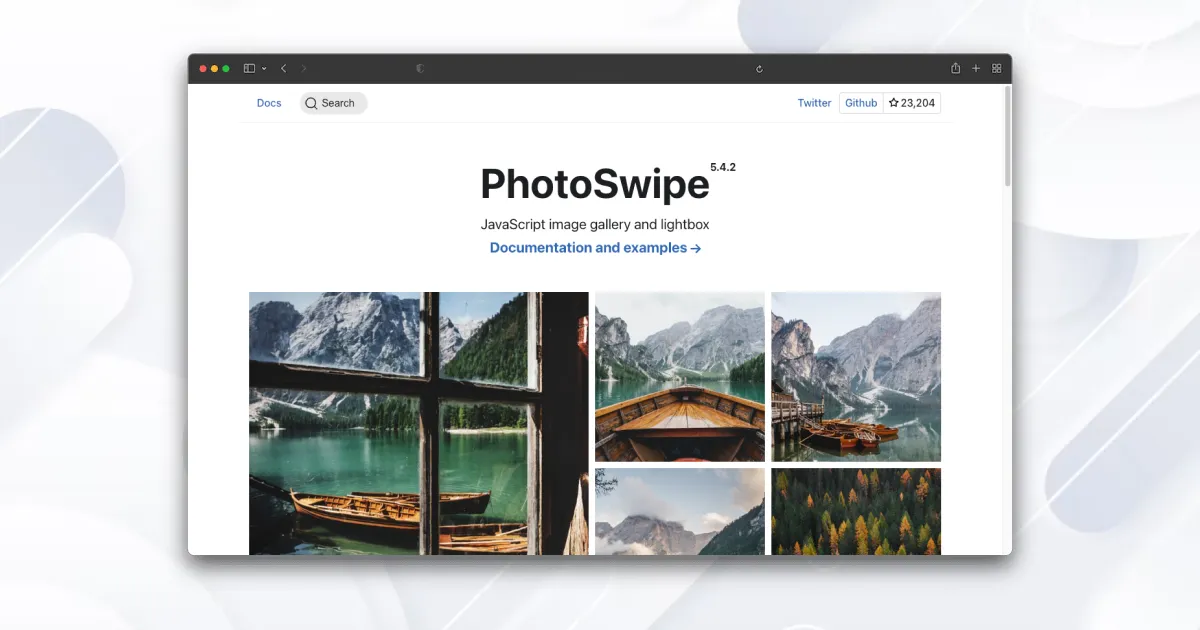
If you only show photos, PhotoSwipe has the best feel of the image-only libraries here. Pinch zoom, double tap, a drag-down-to-close gesture, responsive images through srcset, and an open animation that can start from a cropped thumbnail. Version 5 is a plain ES module with no build step.
The flip side is that the core is images only. Video, a thumbnail strip and captions are plugins or your own code, and you have to know every image’s full-size width and height before you open it.
GLightbox
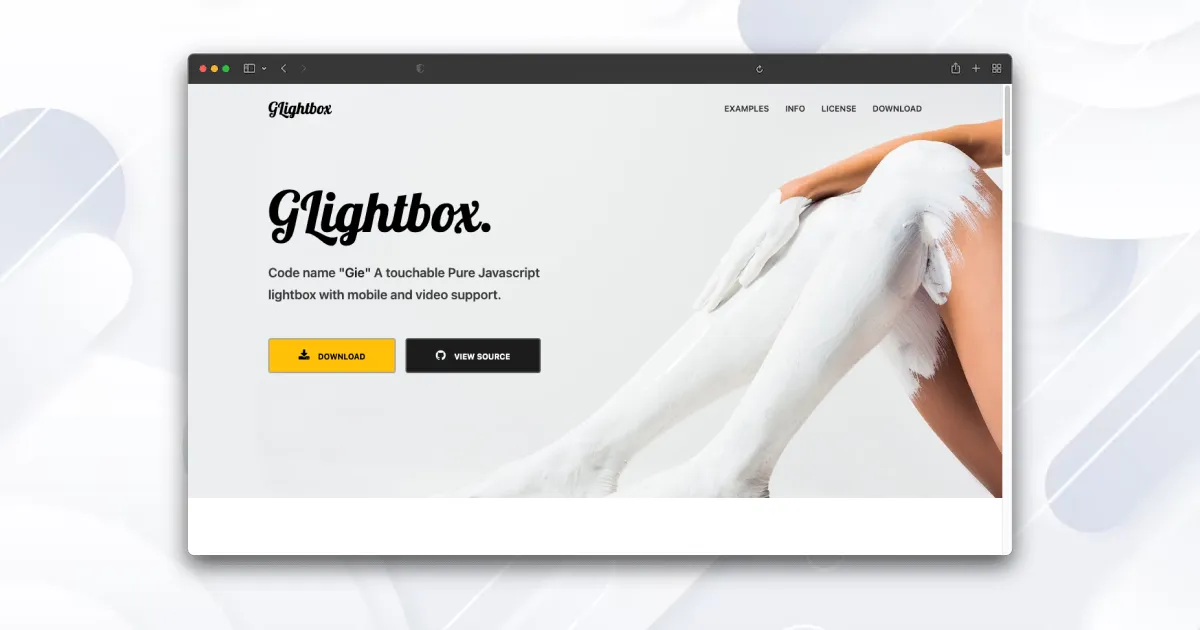
GLightbox punches above its weight. In about 11 KB gzipped it opens images, YouTube and Vimeo, HTML5 video, iframes and inline content, with keyboard and touch navigation and a basic zoom-and-drag on images. When I need a light, free lightbox that also has to open video, this is where I start.
What you give up is a thumbnail strip, and the zoom is simple next to the pinch-driven libraries above.
BaguetteBox
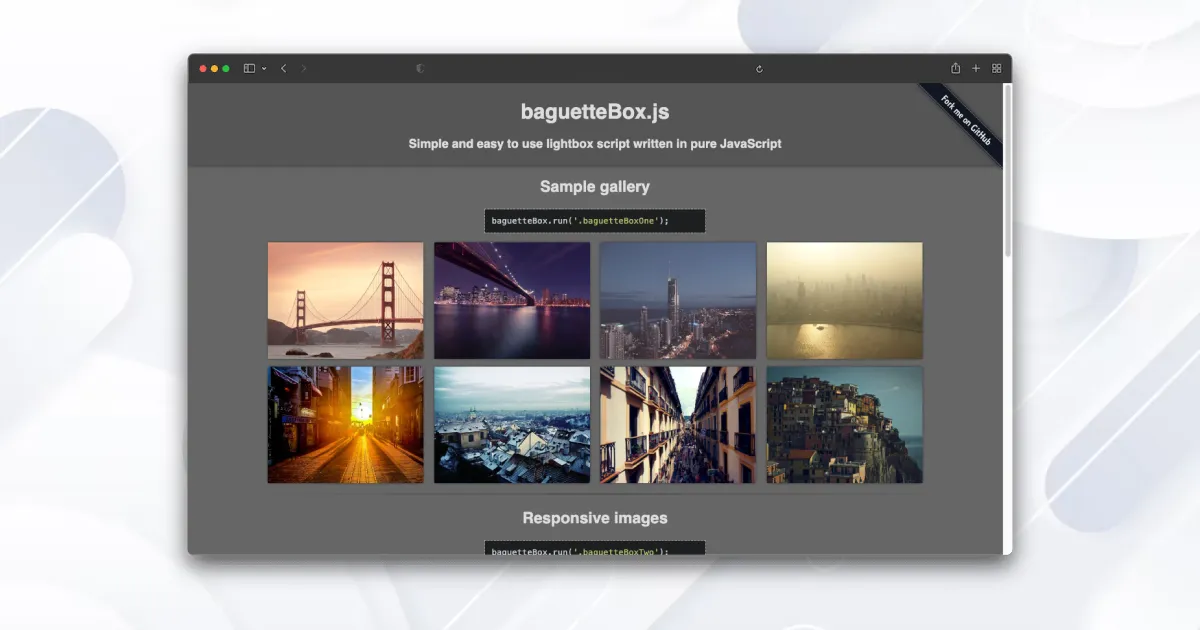
BaguetteBox.js is the smallest thing here, about 3 KB gzipped. Point it at a container of links and you have an image lightbox with swipe, keyboard navigation and responsive image selection. That’s the whole pitch, and sometimes that’s exactly what you want.
It’s images only, with no thumbnails and no zoom, and the project doesn’t see many updates these days.
Blueimp Gallery
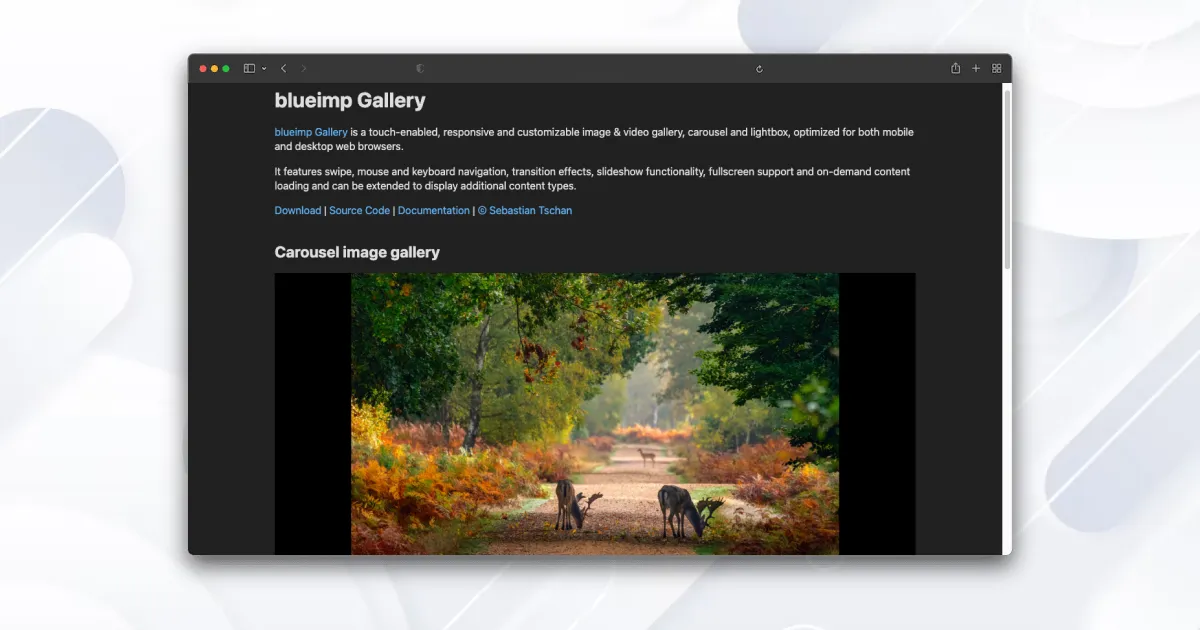
Blueimp Gallery has been stable for years, and it shows in a good way. You get images and HTML5 video in a lightbox or an inline carousel, swipe, keyboard navigation, indicator thumbnails and transition effects, with no dependencies and no surprises.
It also shows in a less good way. There’s no zoom, YouTube and Vimeo need its extra factory scripts, and both the design and the API feel their age.
Lightbox2
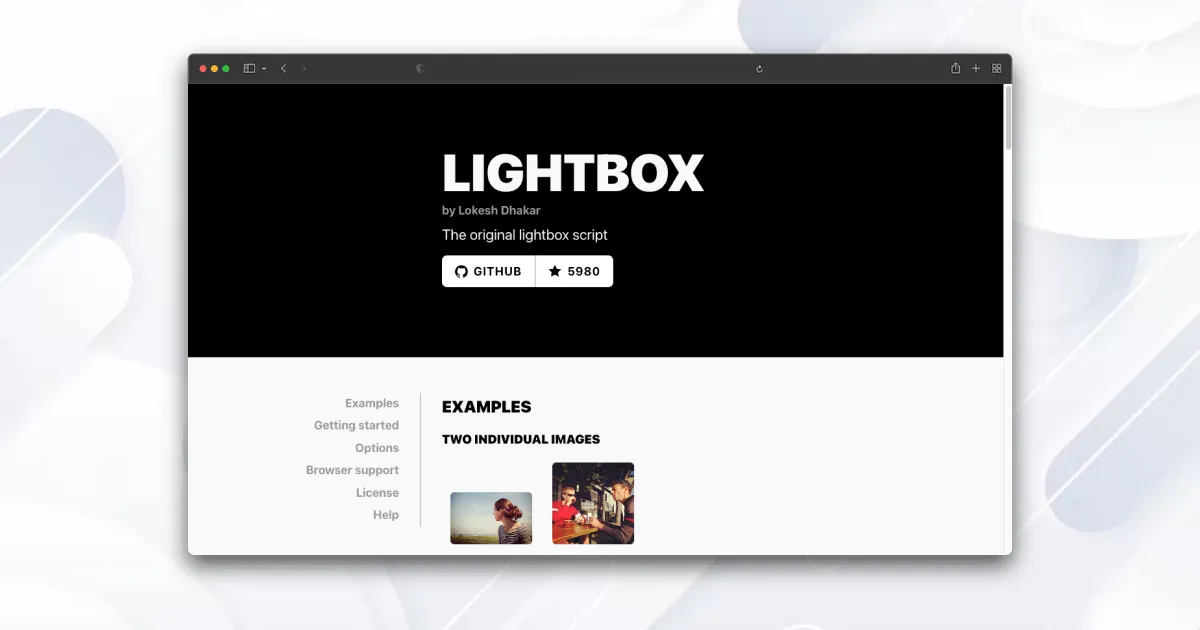
Lightbox2 is where the word comes from. Add data-lightbox to a link and the image opens in a simple overlay with captions and keyboard navigation. No configuration, no decisions.
For a few images on a content site that’s still a reasonable choice, provided jQuery is already on the page, because Lightbox2 depends on it. There’s no video, no thumbnails, no zoom and no touch gestures beyond tapping.
So which one?
- lightGallery for images and video, thumbnails, zoom, the best touch feel, and native React, Vue or Angular.
- PhotoSwipe for images only, with the best feel of the image-only lightboxes.
- GLightbox for a small lightbox that also opens video and inline content.
- BaguetteBox for the smallest possible image lightbox.
- Blueimp Gallery for self-hosted video in a classic gallery.
- Lightbox2 for a handful of images on a jQuery site.
If you go with lightGallery, the getting started guide takes a few minutes, and the thumbnails, video gallery and image zoom demos show the plugins people use most.