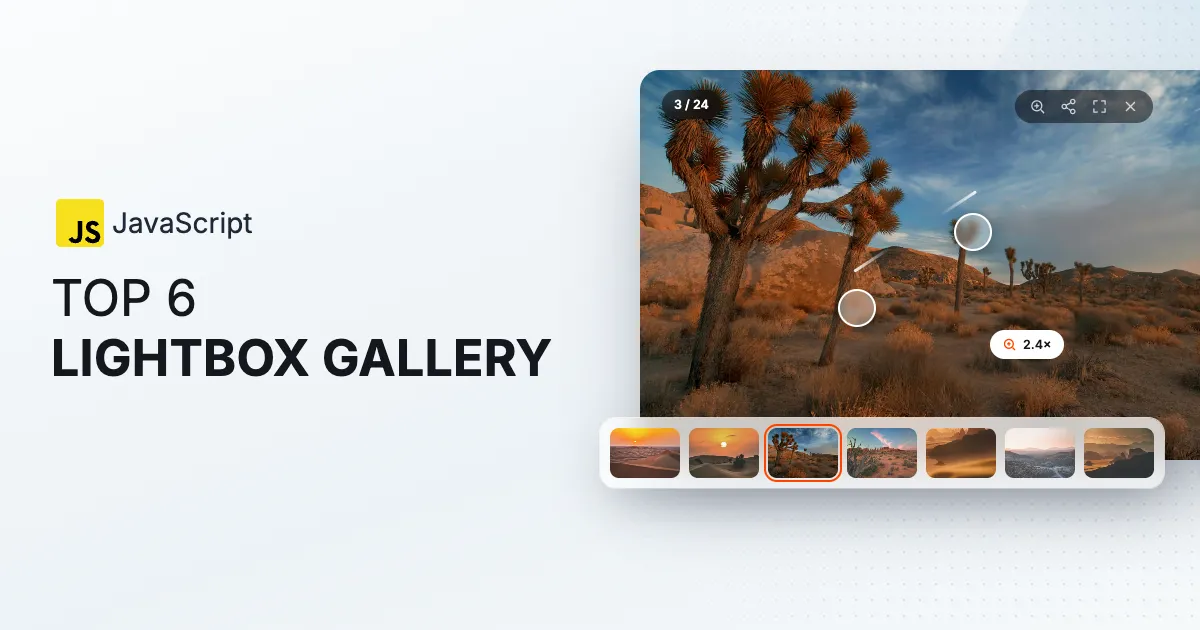
 lightGallery

Here’s the thing about video galleries that nobody tells you until you’ve shipped one. The playback is the easy part. YouTube or Vimeo handles that. What actually bites you is everything around it. What does the page load before anyone presses play, given that a single YouTube iframe weighs more than your whole gallery library? What do thumbnails and captions look like when a slide is a video instead of an image? And is the library you picked still maintained, or is it quietly running on a 2019 embed API?
So that’s what I compared across seven JavaScript lightboxes that open video, with no framework required, all checked against npm and GitHub. Pure players like Video.js aren’t here because they play one video rather than present a gallery, and the React-only lightboxes belong on the React list.
The seven at a glance
| Feature | lightGallery | GLightbox | Fancybox | Fullscreen Lightbox | VenoBox | BigPicture | Magnific Popup |
|---|---|---|---|---|---|---|---|
| Setup | |||||||
| Plain JavaScript, no jQuery | Needs jQuery No: | ||||||
| React, Vue and Angular packages | React, Vue recipes Partly: | React, Vue, Angular Yes: | |||||
| Safe to import on the server | |||||||
| Lightbox overlay | |||||||
| Dependencies | None | Plyr for video | None | None | None | None | jQuery |
| Video | |||||||
| YouTube | By video ID Partly: | ||||||
| Vimeo | Custom source Partly: | By video ID Partly: | |||||
| Wistia | |||||||
| HTML5 video | Via Plyr Yes: | ||||||
| Poster until play, no iframe up front | |||||||
| Video thumbnails fetched for you | YouTube only Partly: | ||||||
| Autoplay on open | |||||||
| Next slide when a video ends | |||||||
| Media | |||||||
| Thumbnail strip | Paid tier Partly: | ||||||
| Iframe slides, maps and PDFs | |||||||
| Responsive images, srcset and picture | |||||||
| Captions | Paid tier Partly: | ||||||
| Interaction | |||||||
| Pinch and double-tap zoom on images | Pinch only Partly: | Paid tier Partly: | |||||
| Swipe or pinch to close | |||||||
| Opens from the thumbnail | |||||||
| Thumbnail scrubbing | |||||||
| Fullscreen | Video only Partly: | ||||||
| Keyboard navigation | |||||||
| Screen reader support | Dialog, announcements Yes: | ||||||
| Reduced motion | |||||||
| Layout and scale | |||||||
| Justified grid | |||||||
| Virtualization | |||||||
| Right-to-left | |||||||
| Custom icons | Paid tier Partly: | ||||||
| Inline gallery mode | Carousel component Partly: | ||||||
| Links and sharing | |||||||
| Deep links, back and forward | |||||||
| Native share sheet | |||||||
| Download button | Paid tier Partly: | ||||||
| Project | |||||||
| Core size, gzipped | 19 KB | 15 KB | 37 KB | 10 KB | 6 KB and CSS | 4 KB | 7 KB and jQuery |
| Last release | Oct 2026 | Jan 2025 | Sep 2026 | Aug 2026 | Jun 2026 | Jun 2025 | Jun 2024 |
| License | GPLv3 or commercial | MIT | Paid, every installation | MIT basic, paid pro | MIT | MIT | MIT |
lightGallery

lightGallery plays YouTube, Vimeo, Wistia and HTML5 video in the same lightbox as your images, with no dependencies. Two things make its video handling different from the rest of this list, and they’re the two things I’d want from any of them.
First, provider slides load as facades, a poster with a play button that looks like the player, with the real iframe created only when the visitor presses play. A gallery of twenty YouTube videos costs twenty posters, not twenty embedded players. YouTube embeds go through the privacy-enhanced no-cookie host by default. Second, the thumbnail strip handles video on its own, pulling YouTube and Vimeo thumbnails automaticaly, so a mixed gallery of photos and clips gets one consistent strip without you generating anything.
Autoplay on open, moving to the next slide when a video ends, and per-provider player parameters are all settings. The core is about 19 KB gzipped and the video plugin about 3 KB, and the React, Vue and Angular packages share the same core. The vanilla package alone sees around 100,000 npm downloads a week.
Touch is the same as in the image galleries. Swipe between slides, pinch or double tap to zoom a photo, drag or pinch to close, and every fling keeps the speed you let go at and settles in a spring instead of snapping to a stop.
import lightGallery from 'lightgallery';
import lgThumbnail from 'lightgallery/plugins/thumbnail';
import lgVideo from 'lightgallery/plugins/video';

lightGallery(document.getElementById('gallery'), {
    plugins: [lgVideo, lgThumbnail],
    // Advance when a video ends; the facade is the default.
    gotoNextSlideOnVideoEnd: true,
});
It’s the pick for galleries that mix images and video, and for any page with alot of provider videos where page weight matters. The thing to weigh is the license, which is free under the GPLv3, with a one-time commercial license for proprietary projects.
GLightbox

GLightbox is the free lightbox I recommend most often when someone needs video and doesn’t need much else. About 11 KB gzipped, pure JavaScript, and it opens images, YouTube, Vimeo and self-hosted video, inline content and iframes, with keyboard control, swipe, a basic image zoom and optional autoplay. Video plays through the Plyr player, which GLightbox only loads when a video slide actually needs it. About 72,000 weekly downloads and 2,500 stars.
What’s missing is a thumbnail strip. The last release was January 2025, with commits through December 2025, and self-hosted video means Plyr rides along on top of the lightbox.
Fancybox
Fancybox, from the Fancyapps UI package, is the polished one. It opens images, YouTube, Vimeo and HTML5 video, iframes and inline content, with thumbnails, a slideshow, zoom and a carousel from the same package. It releases often, most recently September 2026, and its weekly downloads sit in the same range as lightGallery’s.
The license is the whole conversation. Every installation needs a paid license, including internal tools and client work, and the terms exclude open-source projects. There’s no free tier. If you’re building a commercial site and want a finished look with support behind it, that’s a fair trade. If you’re not, it rules itself out.
Fullscreen Lightbox
Fullscreen Lightbox opens images, YouTube and HTML5 video, and custom sources in a full-window overlay with no dependencies. The MIT basic edition is about 31 KB and released in August 2026, and there are React, Vue and Angular builds alongside the vanilla one.
Before you plan around it, read the edition split, because thumbnails, zoom, captions and the extra toolbar buttons are pro, wich is paid. Vimeo is a custom source rather than a built-in type. For a free overlay where the basic feature set is enough, it’s fine.
VenoBox
VenoBox is a responsive lightbox for images, YouTube and Vimeo, iframes and inline content, with a touch-swipe gallery. Version 2 dropped jQuery, and the current release is from June 2026 with only three open issues, which is a healthy sign for a small project.
It suits a plain HTML site that wants a straightforward free lightbox with video as iframes. No thumbnails, no zoom, and a small community at about 3,000 weekly downloads.
BigPicture

BigPicture is the one to reach for when weight is the only thing that matters. It’s a few kilobytes with no stylesheet to include, and it opens images, YouTube, Vimeo, iframes, audio and remote video files, with galleries that loop and an open animation that starts from the clicked element.
No thumbnails, no zoom, and the last release was June 2025.
Magnific Popup
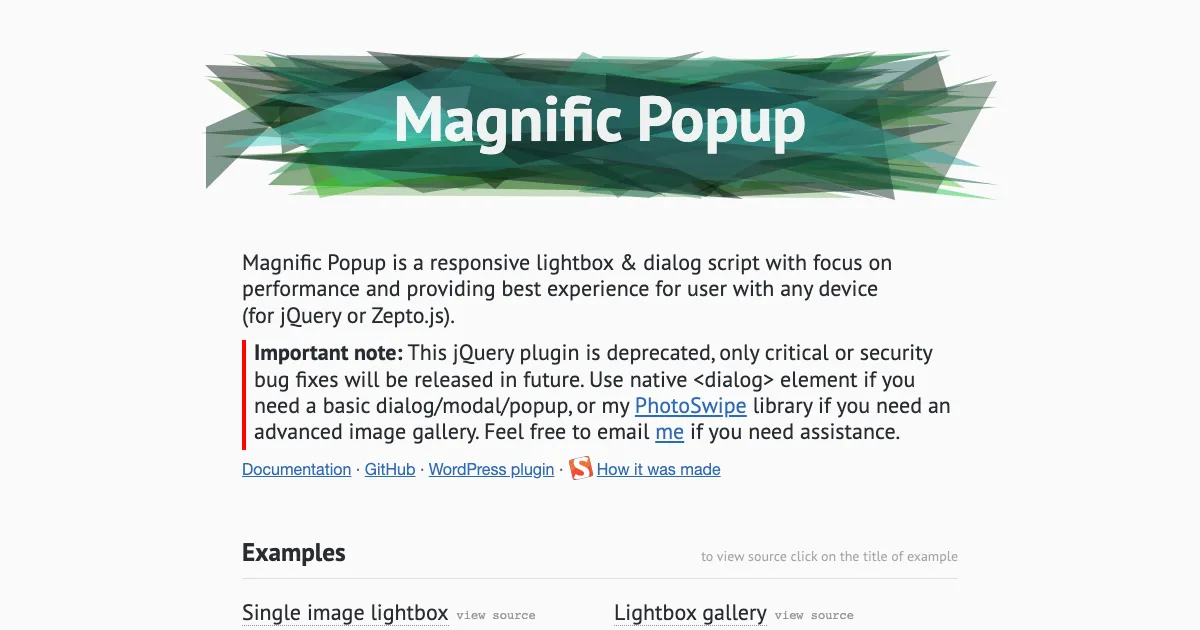
Magnific Popup is the jQuery lightbox of the early 2010s, and it’s still at about 60,000 weekly downloads and 11,000 stars. Its iframe type opens YouTube and Vimeo, with image galleries, inline content and AJAX alongside.
I’ve included it because so many sites still run it, not as a recommendation. Its own site now marks it deprecated, with only critical and security fixes to come, and points people to the native dialog element or the author’s image gallery instead. If you’re already on jQuery and Magnific Popup and not ready to migrate, it keeps working. For anything new, start with something else on this list.
What to check before choosing
- What loads before play. A provider iframe is heavy. A library that shows a poster until the visitor presses play keeps a long gallery light. lightGallery does this by default, and the others create the embed when the slide opens.
- Thumbnails for video. A strip that can show a video’s own thumbnail next to image thumbnails is rarer than it sounds. On this list lightGallery and Fancybox ship one, and Fullscreen Lightbox only in its paid edition.
- Self-hosted video. HTML5 video is native in lightGallery, Fancybox and Fullscreen Lightbox, plays through Plyr in GLightbox, and is an iframe or a remote file elsewhere.
- License. Four of the seven are MIT. lightGallery is GPLv3 with a commercial option, Fullscreen Lightbox puts the extras behind a paid edition, and Fancybox is paid for every installation.
If lightGallery is the pick, the video gallery demo, the video facades guide and the video carousel for an inline player are where to start.